
Showing 10 of 92 Blog Posts
Creating a great PowerPoint presentation is not about adding more slides — it’s about clarity, structure, and visual impact. In this guide, you’ll learn how to prepare...
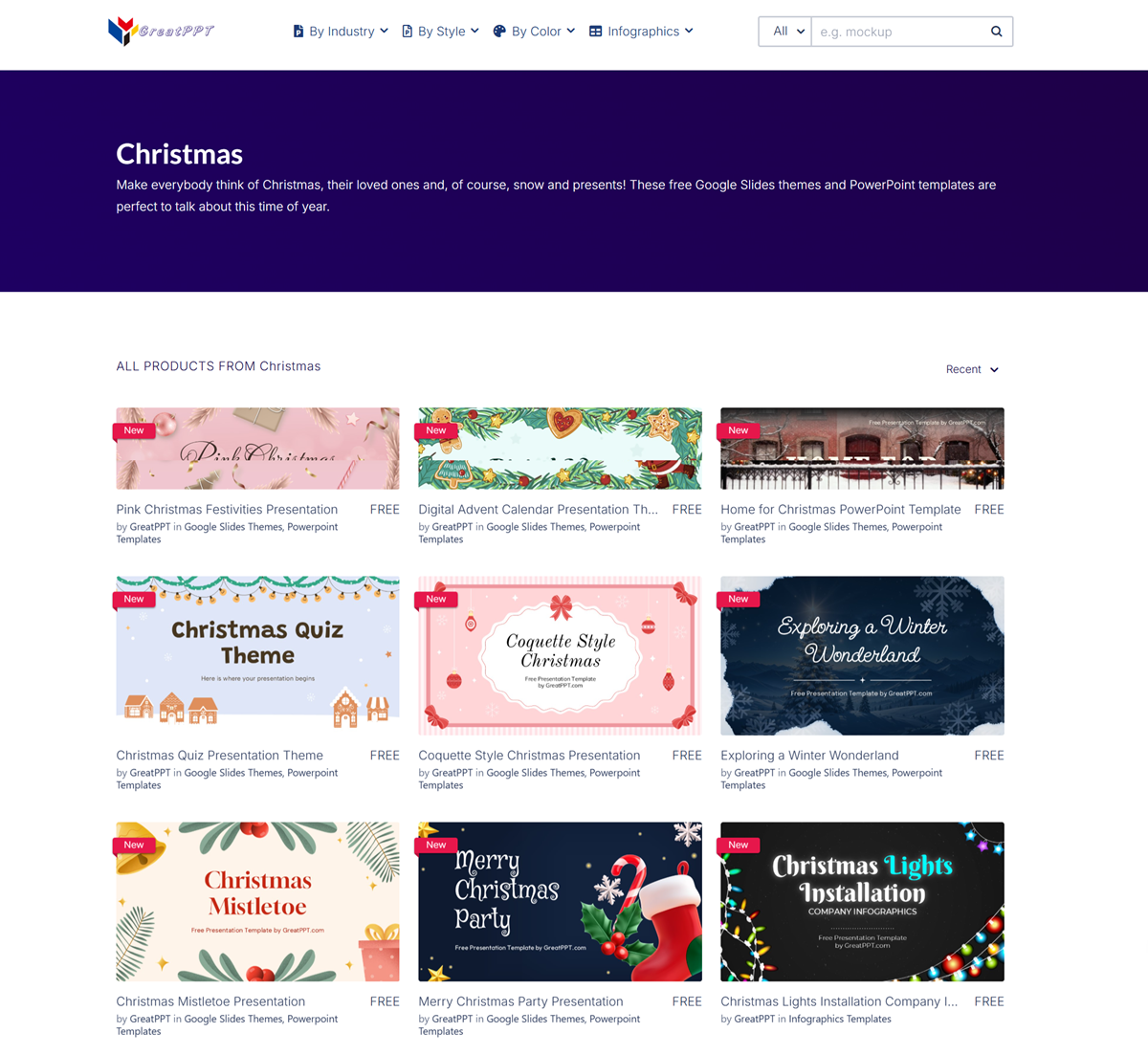
With Christmas just around the corner, a Christmas presentation can help you share holiday messages, promote seasonal campaigns, present year-end results, introduce festive events, or simply bring...
You can now import your PowerPoint presentations to Canva for editing. Simple and easy—no need to recreate them! This is currently only available on canva.com via your...
In this tutorial, we’ll guide you through the steps to enable Dark Mode in PowerPoint. We’ll also address common issues and share troubleshooting tips to help you...
In this blog post, we explore various font styles, recommend the best fonts for on-screen presentations versus printed reports, and offer practical tips on selecting the right...

In this article, we’ll guide you through the process of recording your PowerPoint presentation and sharing it via platforms like Microsoft Teams or Zoom.
PowerPoint is a powerful tool not only for creating and delivering presentations but also for collaborating and reviewing content. If you’re looking to share your presentation and...
An appendix in PowerPoint is a section placed at the end of a presentation that includes supplementary information or references not included in the main slide deck....
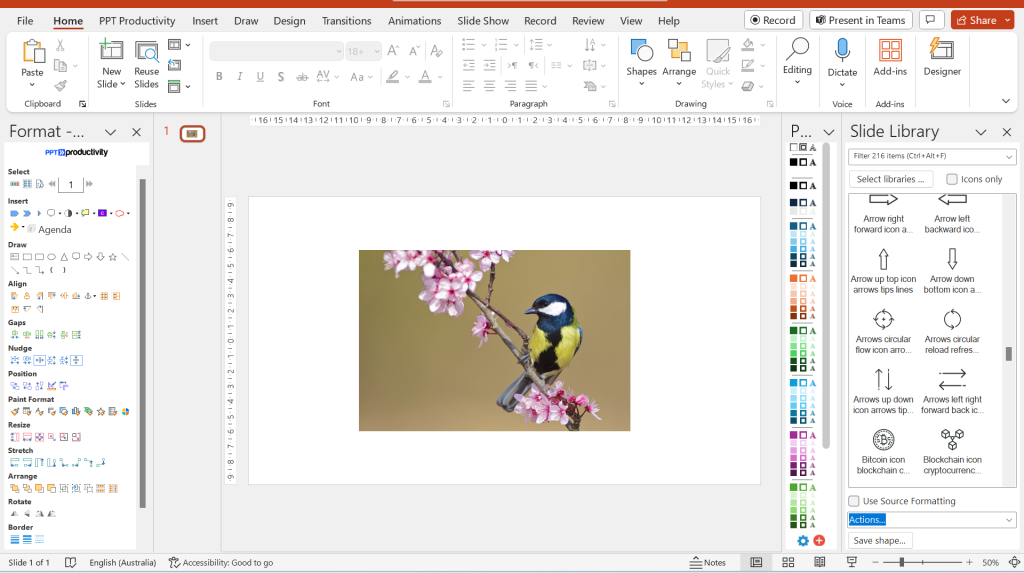
In this post, we offer a step-by-step guide on how to remove image backgrounds in PowerPoint—a useful skill for creating clean, professional-looking presentations.
In this guide, we’ll walk you through how to create flowcharts using SmartArt, shapes, and customizable templates.