
Showing 10 of 92 Blog Posts
After you’re done creating a presentation, you might want to open it in other computers, but perhaps your presentation is not compatible with the software included in...
Using icons in your presentations can be a powerful tool to better communicate your ideas. Here you can find a quick guide to learn how to add and...
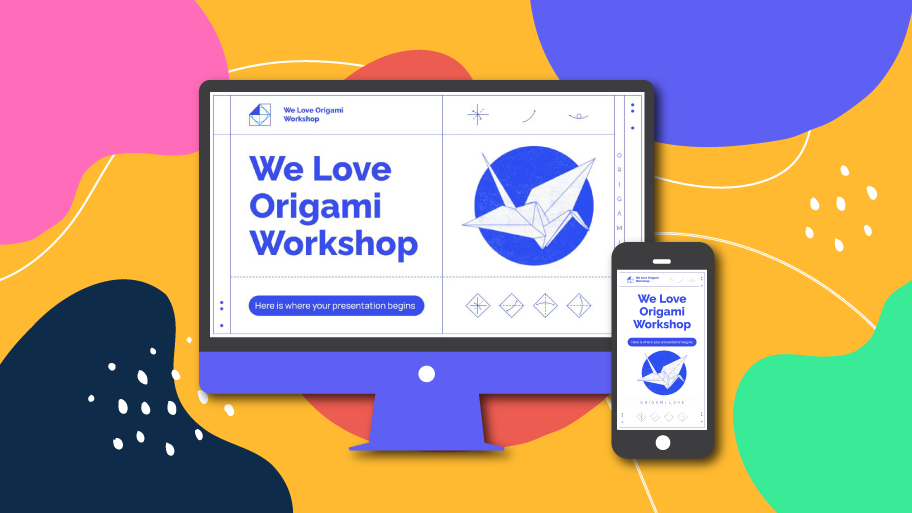
Are you tired of presentations that don’t adapt well to the screens used in the venue? That’s mostly due to them not being properly suited for conventional...
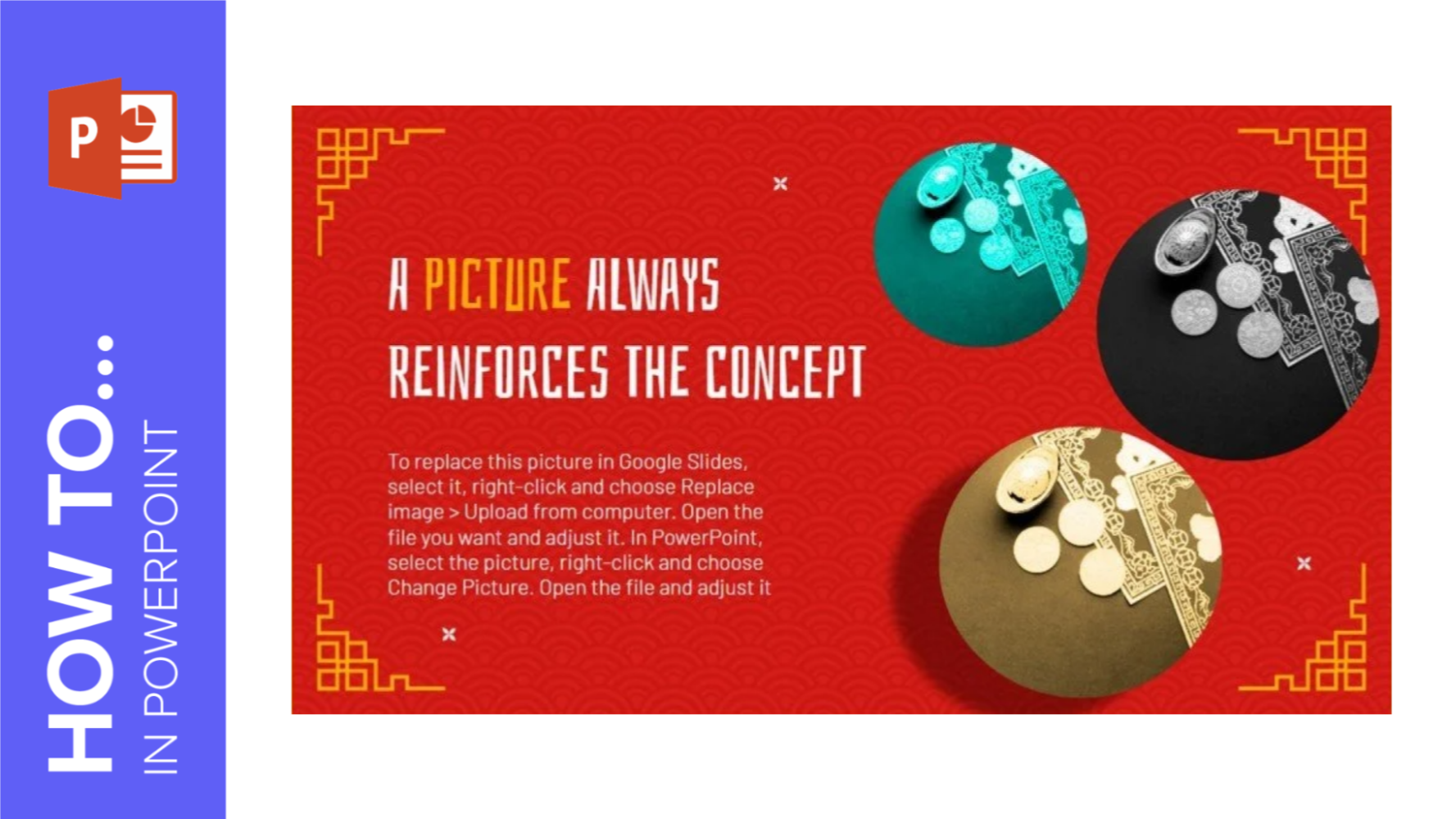
In this GreatPPT School step-by-step tutorial, we will explain how to apply effects to images in PowerPoint so that your message is easily communicated and your audience...
Don’t worry if you’ve spent a long time making a presentation and the color of the pictures is not very compatible with the theme! Even if you...
You can get Office for free through the following two methods:①with an active school email address.②BT download and activate with KMS.
We can use unofficial KMS server to activate Office, completely free trial, for most Office versions: 2021,2019,2016,2013, etc.
These are Office GVLK Keys, which can be used to activate a product with py-kms (note this keys are provided officially by Microsoft).
For presentation templates, just check out the GreatPPT website, where you will surely find the ideal design. For tips and tricks on how to make a presentation,...
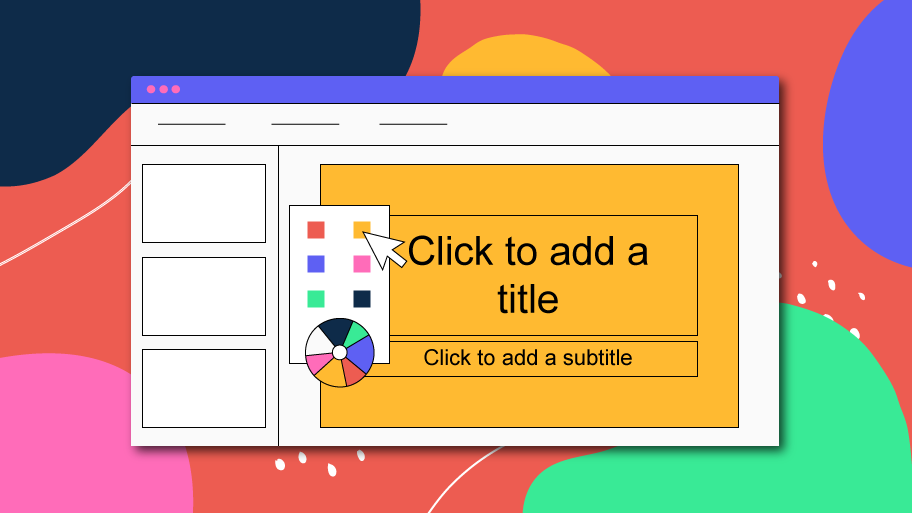
A PowerPoint template is composed of several layouts applied to the slides. The layouts are the set of elements that form up the appearance of any given...