
Creating a professional pitch deck usually takes hours of design work and years of experience. To see how far AI presentation tools have really come, I tested 10 of the latest AI presentation makers using the exact same prompt.
The prompt:
You are an expert pitch-deck designer. Build a clean 10-slide investor pitch for One Gym, a mobile fitness app that gives users access to multiple gyms and fitness studios under one subscription. Audience: early-stage VCs. Goal: raise $3M seed funding to expand across North America.
Here’s what I found.
1. Microsoft Copilot (PowerPoint)
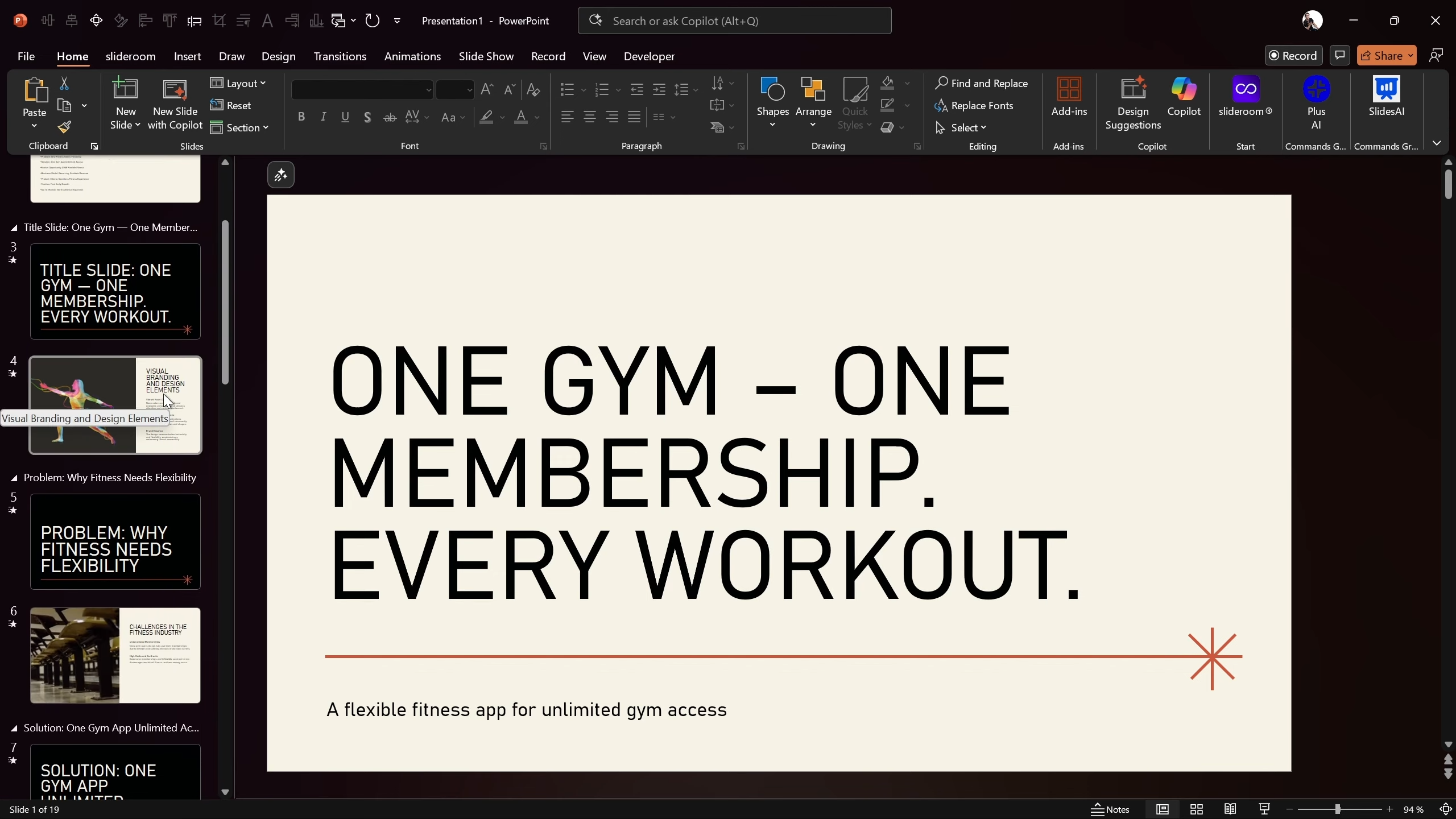
Best for: Quick starting point inside PowerPoint
Copilot is built directly into Microsoft PowerPoint, which makes it convenient. However, it struggled with prompt accuracy.
Pros
Built-in animations and slide transitions
Automatically groups slides into sections
Easy to use if you already work in PowerPoint
Cons
Ignored slide count (generated 19 slides instead of 10)
Didn’t follow layout instructions closely
Missed important content like pricing
Verdict:
Good for rough drafts, not for precision.
2. SlidesGo AI
Best for: Free, visually consistent templates
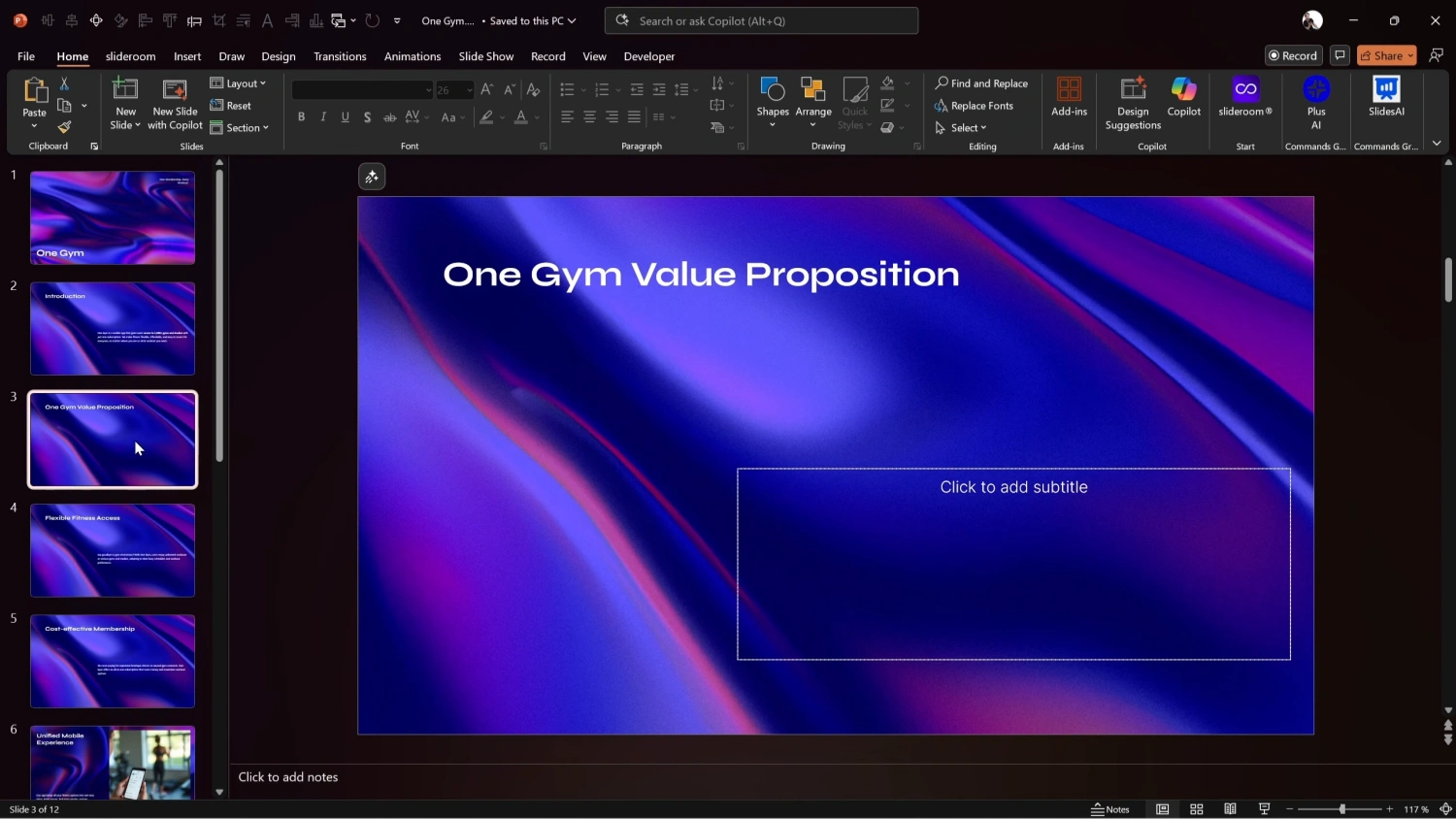
SlidesGo produces visually attractive slides with a consistent theme.
Pros
Clean, modern visual style
Preserved more content than Copilot
Free PPTX export
Cons
No animations or transitions
Repetitive layouts
Cannot generate a custom theme from the prompt
Verdict:
Solid for free use, but limited flexibility.
3. Canva AI
Best for: Visual design + animations
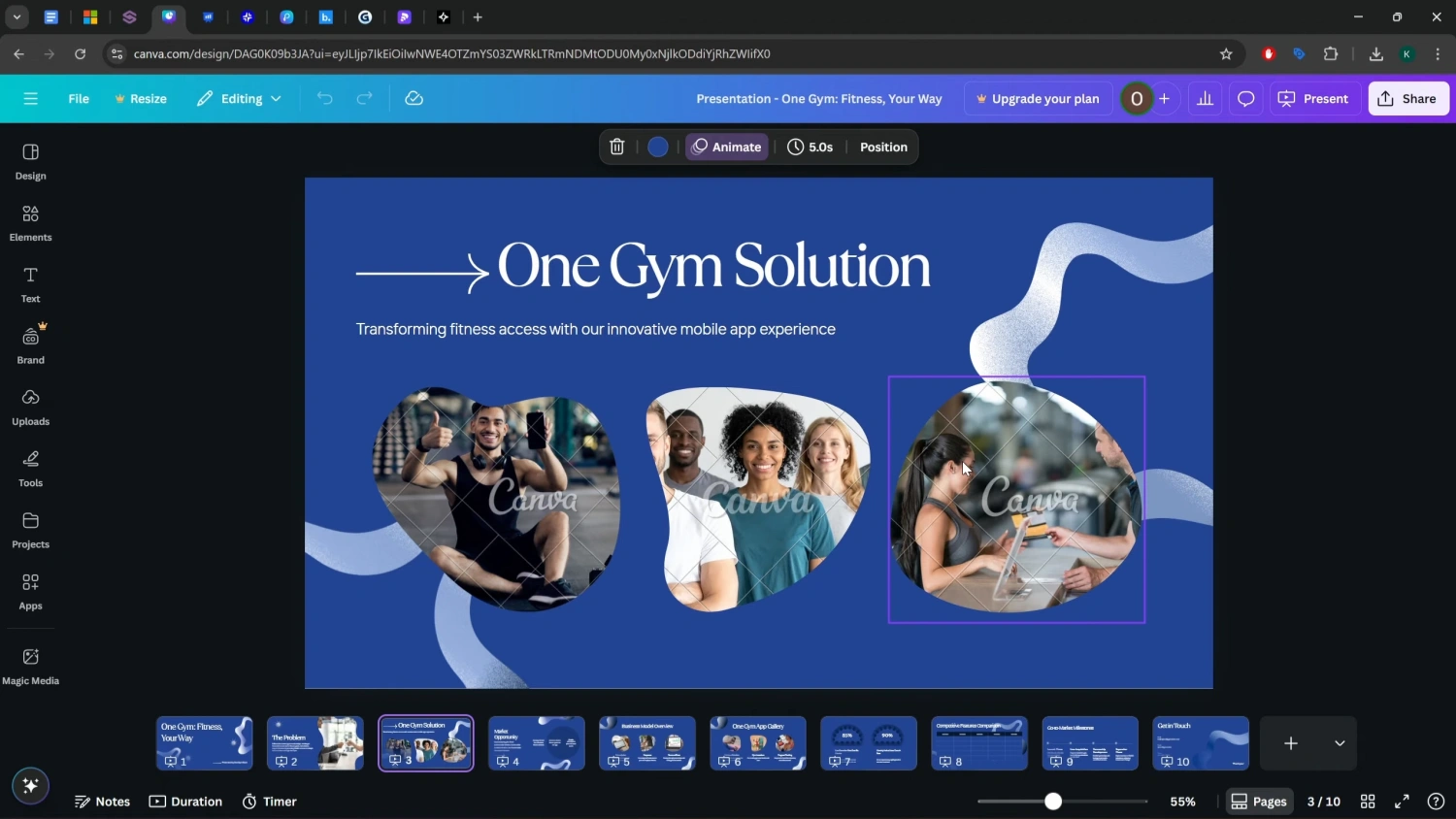
Canva AI delivered exactly 10 slides, which already puts it ahead of many competitors.
Pros
Custom theme generated from the prompt
Built-in animations on every slide
Clean typography and modern look
Cons
Missed specific content (pricing, infographic details)
Competition matrix was simplified to a table
PowerPoint export requires a paid plan
Verdict:
Great for creators who prioritize visuals and motion.
4. Slides AI (PowerPoint Add-in)
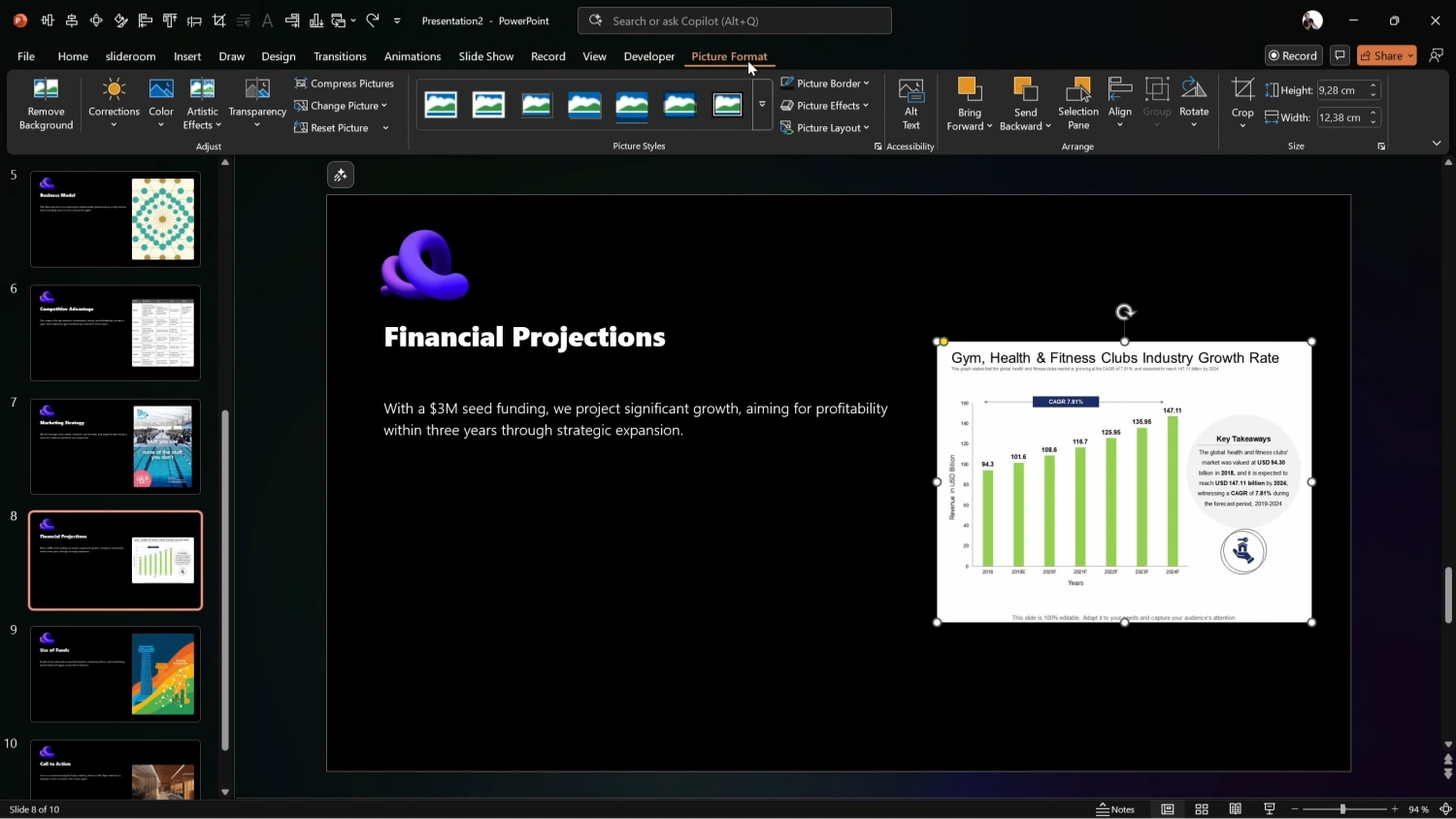
Best for: PowerPoint users who want AI assistance
Slides AI integrates directly into PowerPoint, but the setup is long.
Pros
Proper image placeholders
Correct slide count
Integrated workflow inside PowerPoint
Cons
7-step generation process
Almost no layout variety
Charts are static images
No animations
Verdict:
Functional, but feels rigid and slow.
5. Plus AI
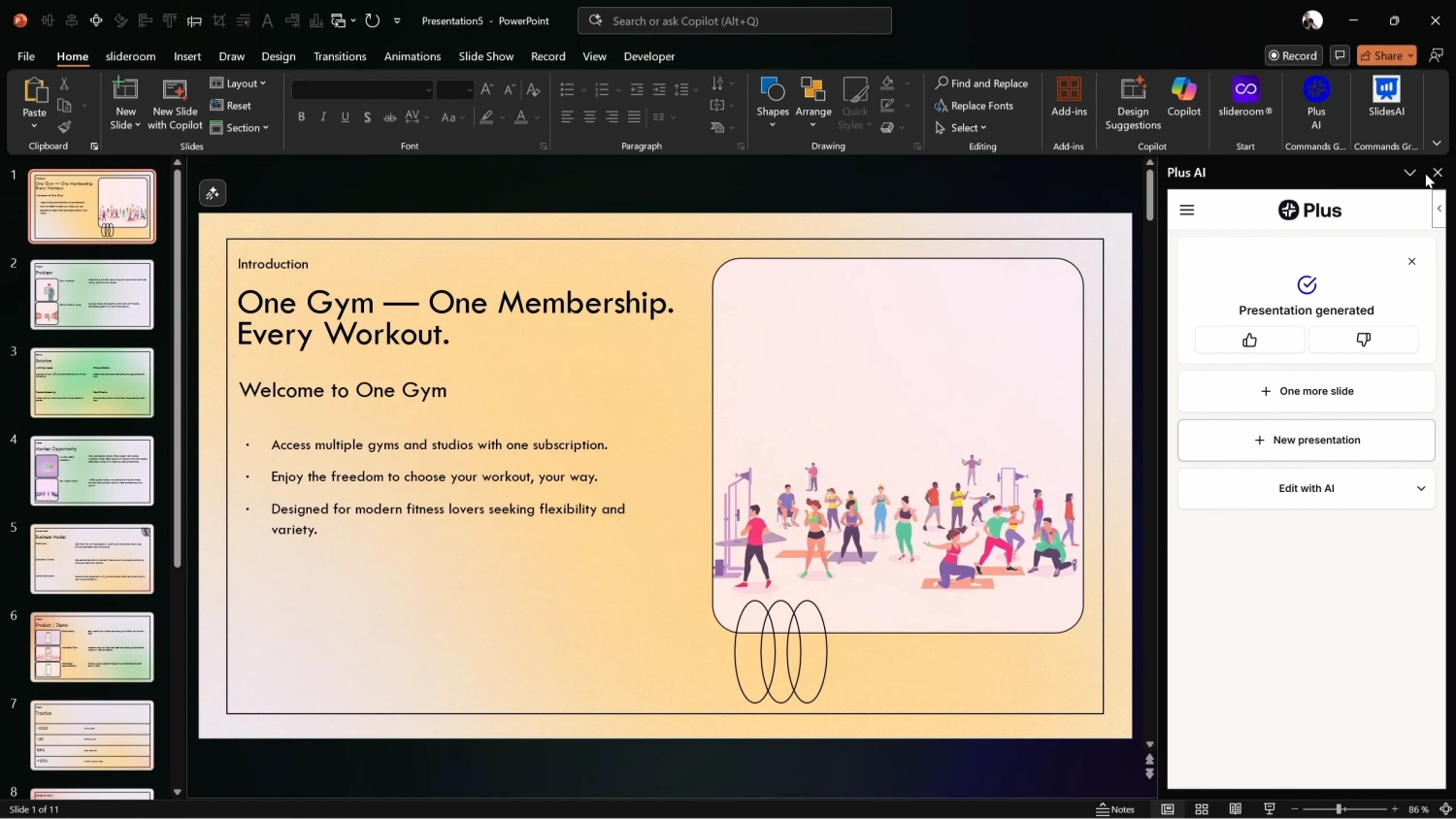
Best for: Accurate content preservation in PowerPoint
Plus AI was the most accurate at preserving the exact text, numbers, and structure from the prompt.
Pros
Excellent prompt fidelity
Editable layouts before generation
Strong structure for pitch decks
Cons
Basic visuals
No animations or transitions
Generated 11 slides instead of 10
Verdict:
Best AI presentation tool inside PowerPoint if content accuracy matters most.
6. Presentations AI
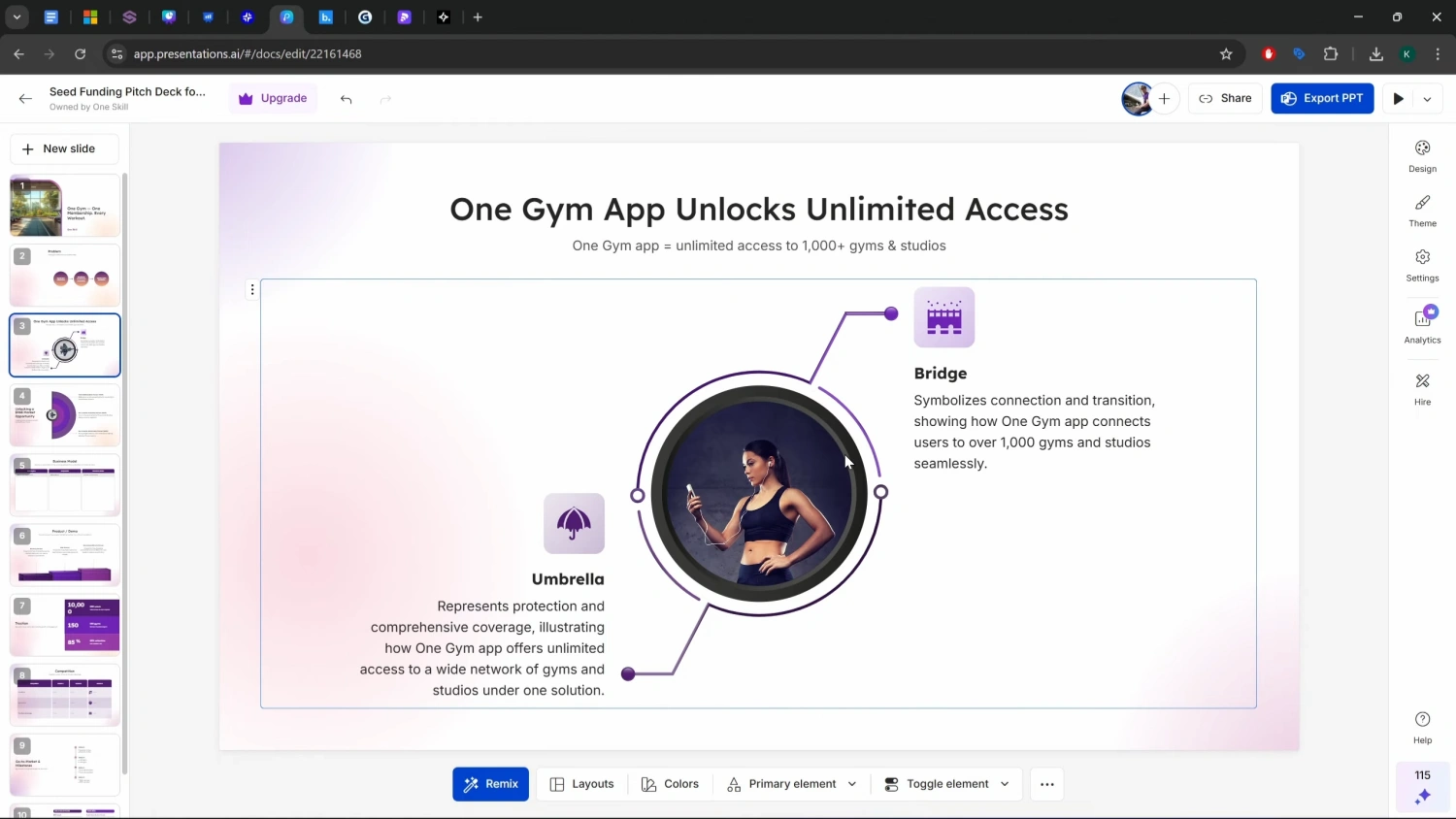
Best for: Infographics and professional polish
This tool stood out immediately for design quality.
Pros
Modern infographics (rare among AI tools)
Animations and slide transitions
Preserved most prompt content
Strong business-ready layouts
Cons
PowerPoint export requires paid plan
Not directly integrated into PowerPoint
Verdict:
One of the most professional-looking results overall.
7. Beautiful.ai
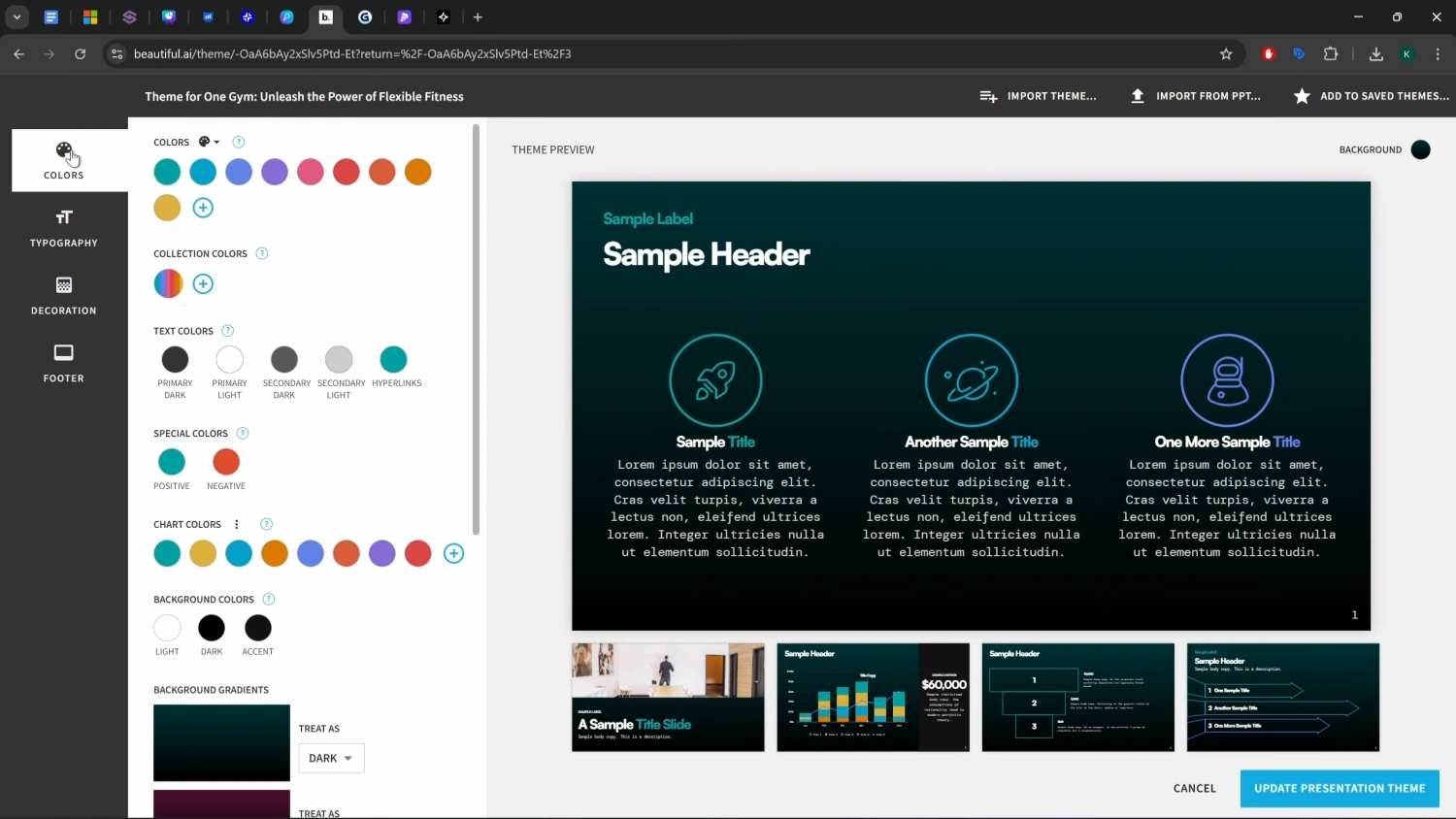
Best for: Speed + subtle animations
Beautiful.ai focuses on making slides “look good automatically.”
Pros
Fastest setup
Smooth animations (number counters, timelines)
Clean iconography
Cons
Layouts don’t strictly follow prompt
Limited export options
Verdict:
Great for quick, polished presentations with minimal effort.
8. Gamma
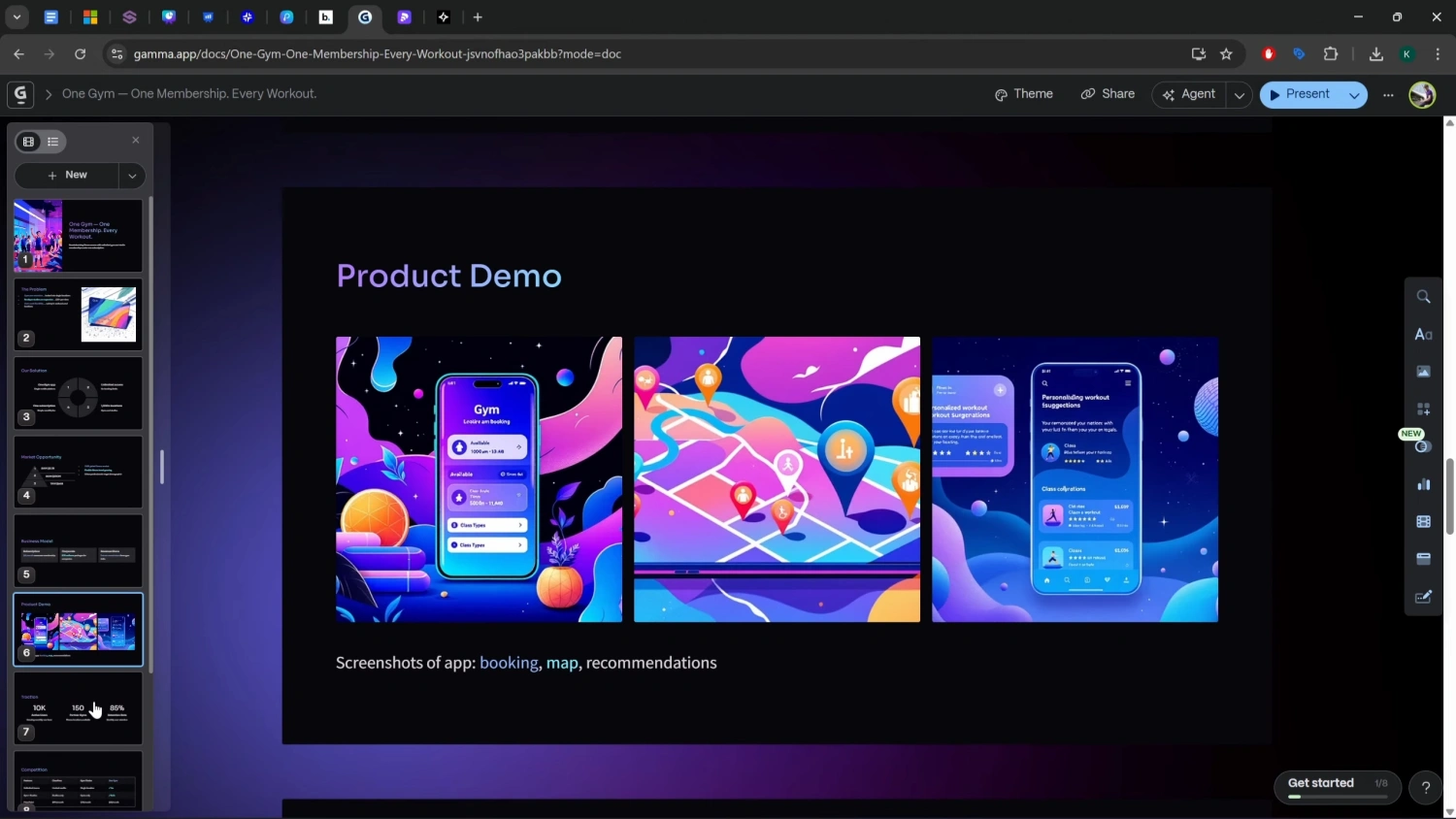
Best for: Following layout instructions precisely
Gamma was the only tool that accurately followed detailed layout requests (charts, placeholders, positioning).
Pros
Exact adherence to layout instructions
Dynamic transitions and animations
Feels interactive, almost like a website
Correct slide count
Cons
Requires choosing a theme manually
Less traditional “PowerPoint” feel
Verdict:
Best AI tool for layout accuracy.
9. Pitch
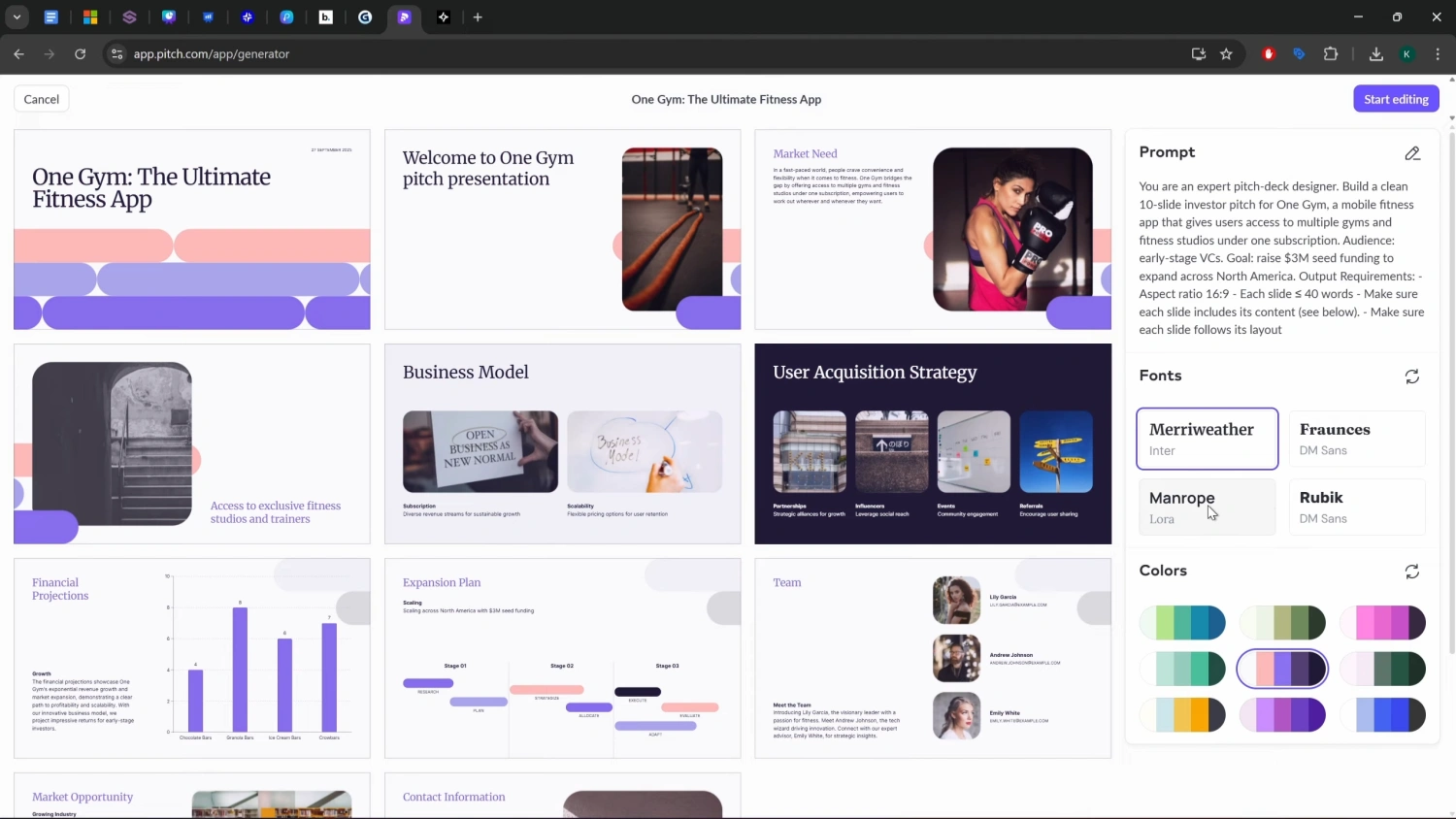
Best for: High-end visual design
Pitch delivers stunning slides that look professionally designed.
Pros
Excellent design quality
Editable charts (including Excel-style charts)
Brand color customization
Cons
Accepts only a short prompt
Missing content due to prompt limits
Limited animations after export
Verdict:
Beautiful design, but weak prompt handling.
10. Chronicle
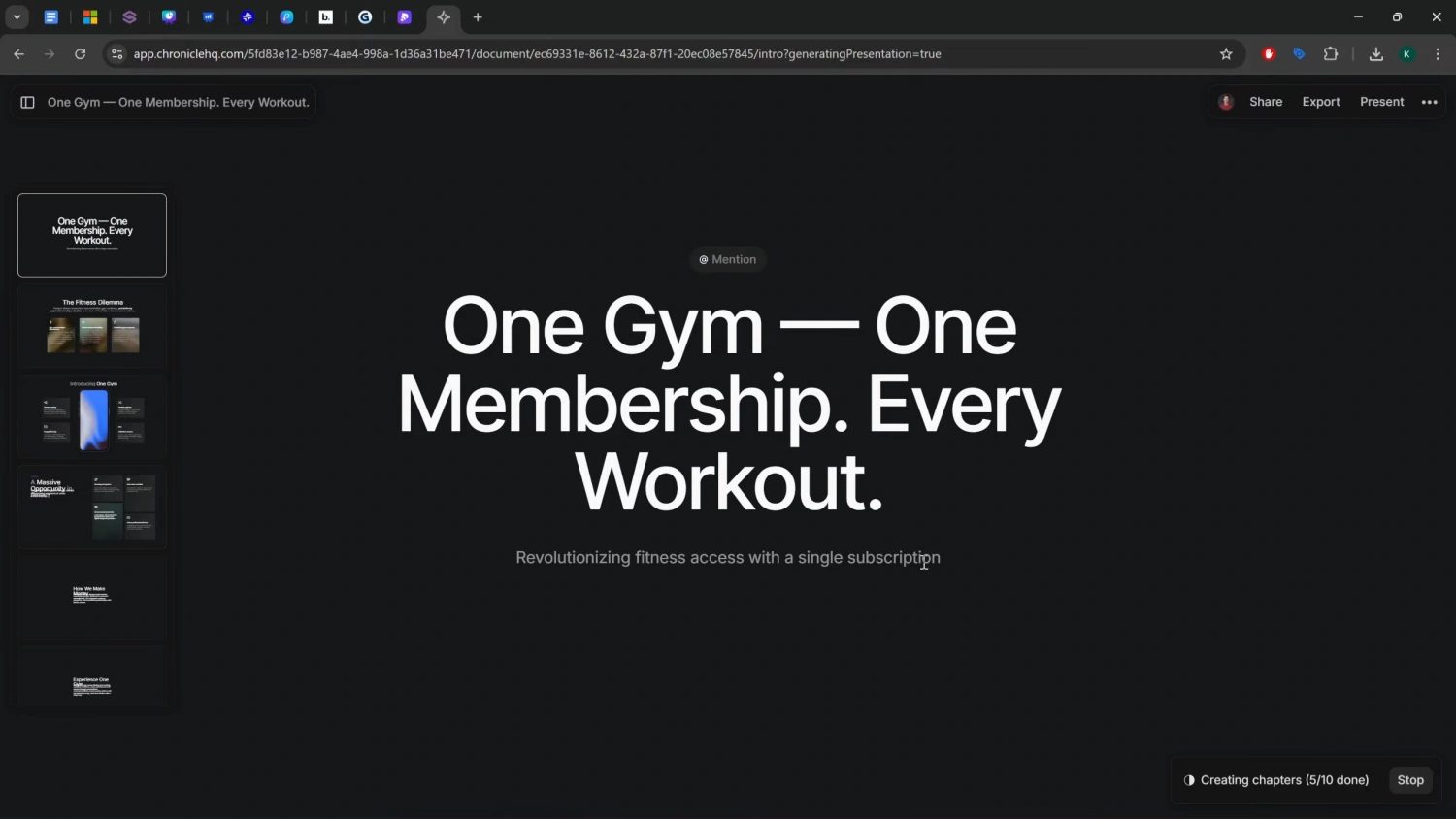
Best for: Minimalist storytelling
Chronicle focuses on narrative flow rather than strict layouts.
Pros
Clean, modern design
Fast generation
Device mockups included
Cons
Poor adherence to prompt details
No PowerPoint export (PDF only)
Verdict:
Interesting concept, but not ideal for structured pitch decks.
Final Rankings — The Top 3 AI Presentation Tools
After testing all 10 tools with the same prompt, these stood out:
Plus AI — Best AI presentation tool inside PowerPoint
Presentations AI — Best infographics + professional polish
Gamma — Best at following layout instructions precisely
Final Thoughts for Creators
AI presentation tools are no longer just “toy generators.”
Each tool excels at different use cases:
Content accuracy → Plus AI
Visual storytelling → Canva / Beautiful.ai
Investor decks → Presentations AI
Precise layouts → Gamma
If you’re a creator, founder, or marketer, the smartest move isn’t choosing one tool — it’s choosing the right tool for the job.