
SlideModel is a premium subscription platform providing over 50,000 professional, 100% editable presentation assets. It specializes in high-end business graphics, such as SWOT analyses, McKinsey-style diagrams, and data-driven charts for PowerPoint and Google Slides.
While SlideModel is primarily a premium subscription service, they do offer a legitimate way to download high-quality templates for free. You don’t need a credit card, but you must create a free account.
Download free templates from SlideModel
Here is the step-by-step process to get them:
1. Access the “Free Templates” Section
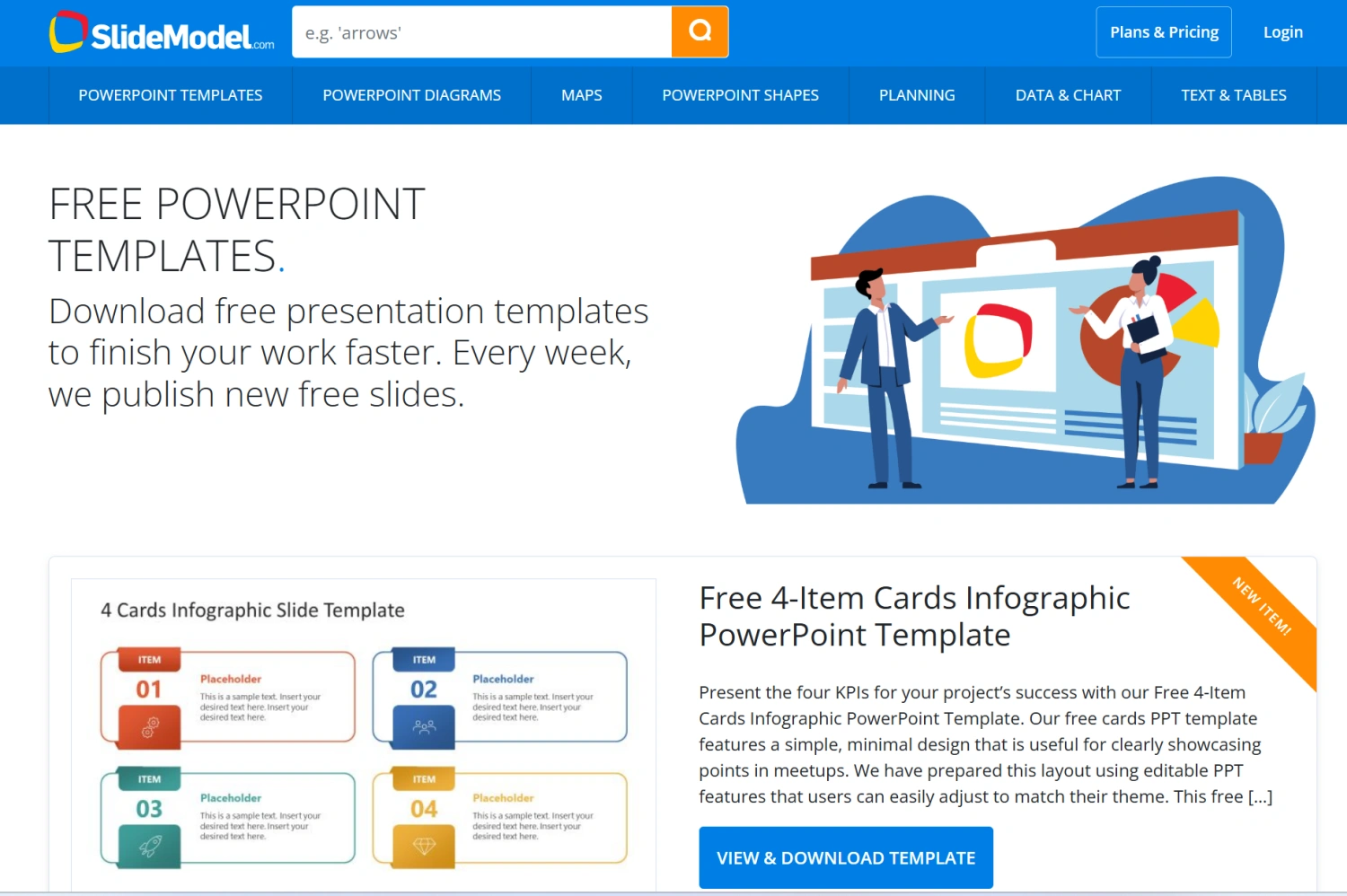
SlideModel hides their freebies in a specific gallery rather than mixing them into the main search results.
Go to the SlideModel Free Templates page.
Alternatively, scroll to the footer of the homepage and look for the “Free PowerPoint Templates” link.
2. Create a Free Account
You cannot download anything—even the free items—as a guest.
Click the “Sign Up” or “Join for Free” button.
Enter your name and email (or use a “Sign up with Google/LinkedIn” option if available).
Check your email: You will need to click a verification link to activate your account before the download buttons become active.
3. Choose and Download
Once logged in, browse the free gallery. These usually include “Weekly Free Slides” and a “Free Bundle” of about 150+ slides.
Click on a template you like.
Look for the Download button (usually a green or blue button on the right side of the slide preview).
Select your preferred format (PowerPoint
.pptxor Google Slides).
GreatPPT is a Great Alternative
If you’re looking for a solid alternative to SlideModel, GreatPPT is a fantastic choice. It operates more like a traditional search engine for slides, offering a massive library of high-quality templates for $0$.
Comparison Table: GreatPPT vs. SlideModel
| Feature | SlideModel | GreatPPT |
| Primary Model | Premium Subscription ($$$) | Free Resource Repository |
| Free Volume | Very Low (1-2 per week) | Very High (Thousands) |
| Style Range | Corporate & Formal | Diverse (Creative, Academic, Business) |
| Ease of Access | Mandatory Sign-up & Verify | Easy/Guest Downloads often available |
| Best For | Executive Consultants | Students, Startups, and Educators |
How to Use GreatPPT (The Search Method)
Since GreatPPT has thousands of templates, the “Search” bar is your best friend. Instead of scrolling, follow these steps:
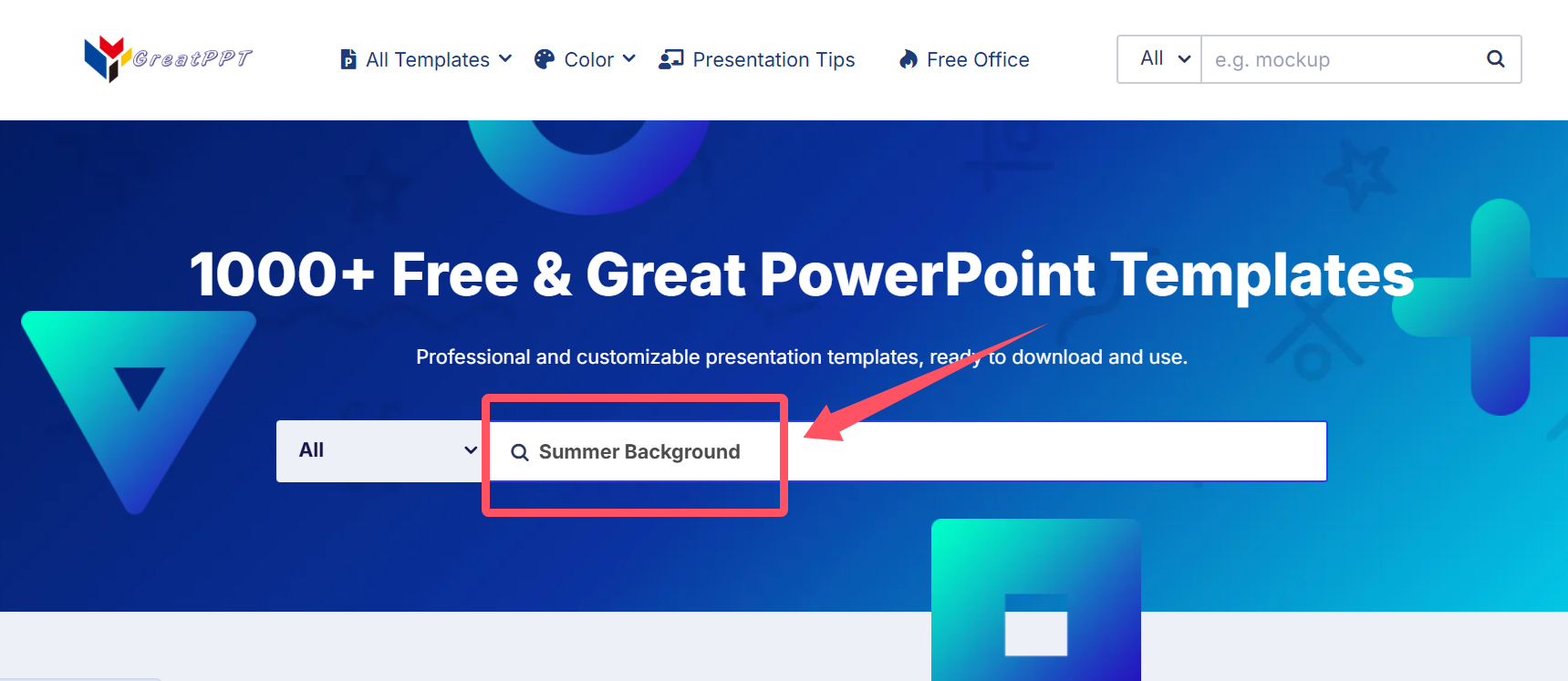
Go to the Website: Head to GreatPPT.com.
Locate the Search Bar: You’ll find it prominently at the top of the homepage.
Use Specific Keywords: Enter your topic in American English for the best results. Examples:
“Pitch Deck” (For startups or investors)
“Quarterly Report” (For business updates)
“Medical Research” (For healthcare/science)
“Minimalist Portfolio” (For creative showcases)
Filter and Pick: Browse the results and click on a thumbnail that matches your aesthetic.
Download: Look for the “Download” button. Unlike SlideModel, GreatPPT often allows direct downloads without as many hoops to jump through.