
iPhone 17 Pro Presentation
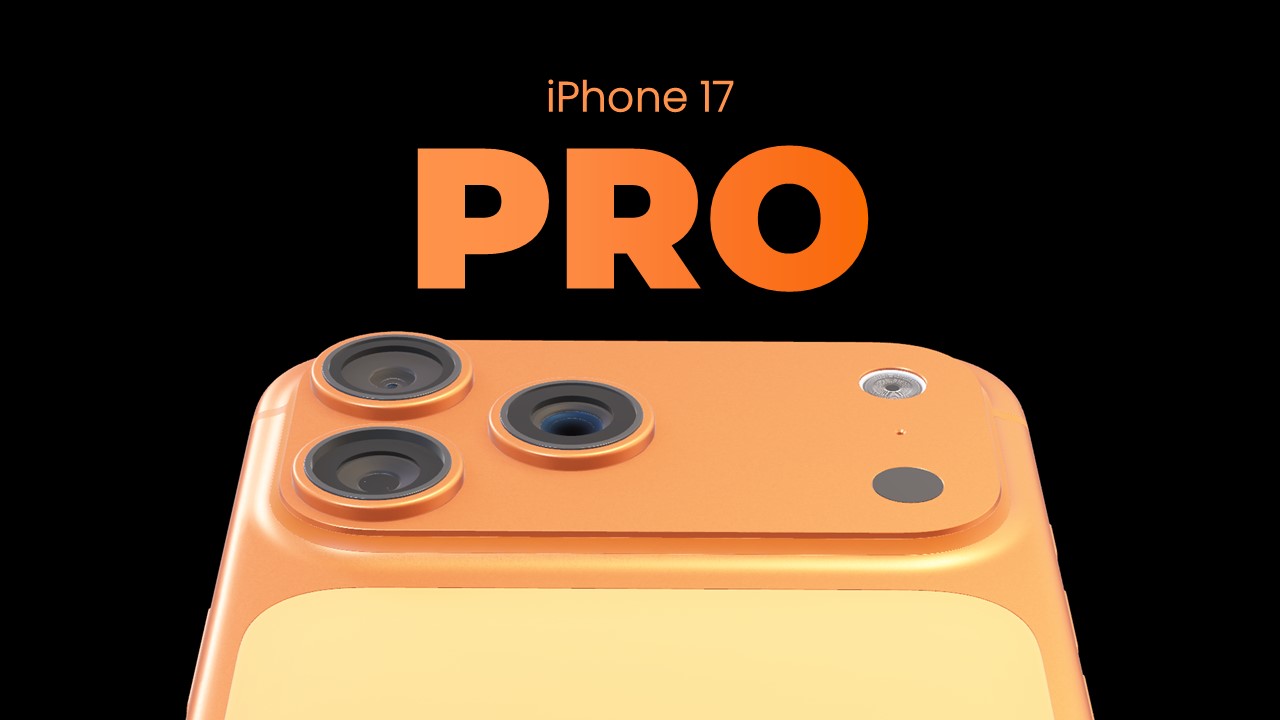
iPhone 17 Pro Presentation
Free PowerPoint template and Google Slides theme
When you’re presenting the “next big thing” in tech, using a generic, blocky slide deck is the quickest way to lose your audience. To talk about cutting-edge innovation, you need a visual medium that feels as premium as the hardware itself. Whether you’re a developer demoing a groundbreaking iOS app, a marketer analyzing smartphone market trends, or a tech enthusiast predicting Apple’s next move, your presentation should look like it just came off the stage at Cupertino.
The iPhone 17 Pro Presentation Theme is a masterclass in “High-Tech Minimalism.” It moves away from standard layouts and adopts the sleek, glass-and-titanium aesthetic that has defined the modern era of mobile computing.
The Aesthetic: Apple-Core Sophistication
This isn’t just a slideshow; it’s a Digital Showroom. The design language is built on the philosophy of “Premium Simplicity”:
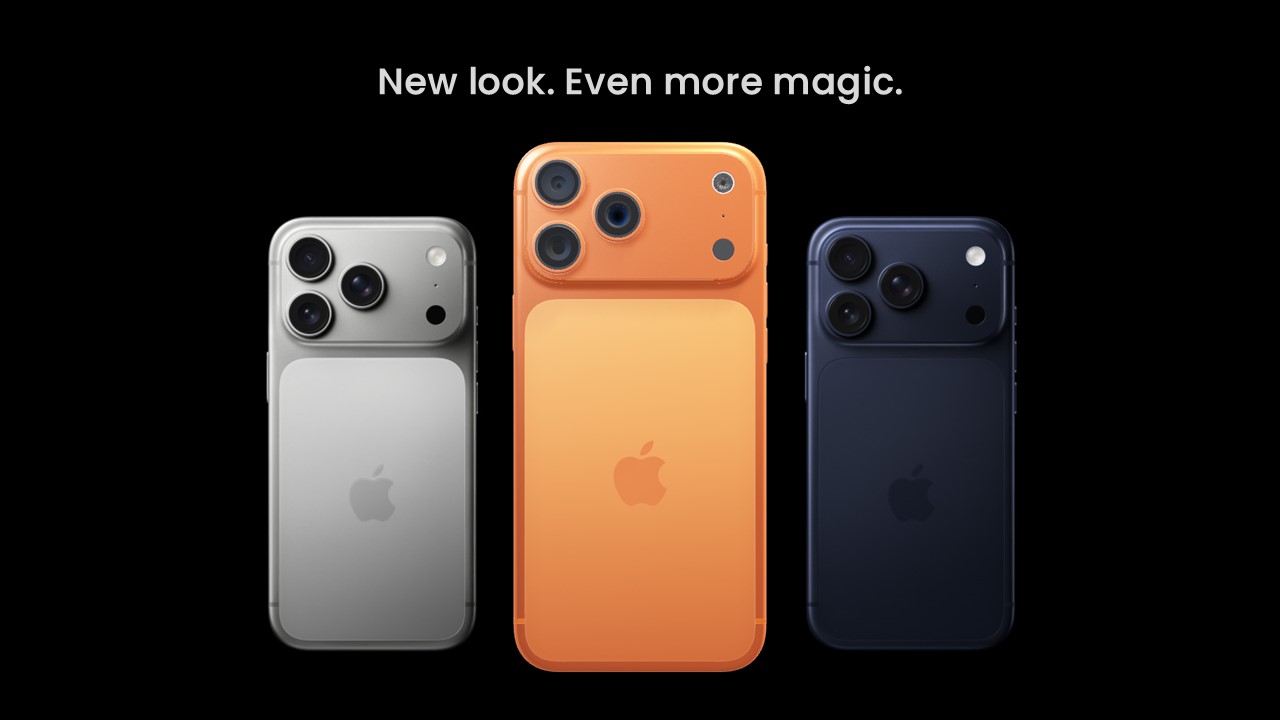
The “Space Grey & Silver” Palette: Utilizing a sophisticated blend of deep obsidian blacks, metallic silvers, and soft whites. This palette mimics the high-end materials of smartphone chassis, providing a neutral yet expensive-looking backdrop that makes your colorful app screenshots pop.
Retina-Ready Clarity: The template features rounded corners, glassmorphism effects (frosted glass overlays), and ultra-thin lines. These elements echo the current UI/UX trends of high-end mobile operating systems.
San-Serif Modernity: By pairing bold, clean headers with plenty of “breathable” white space, the template ensures your key metrics and value propositions are the focal point, never hidden by clutter.
Design Logic: Built for Product Narratives
The structural logic behind this template focuses on Visual Immersion and Feature Highlighting:
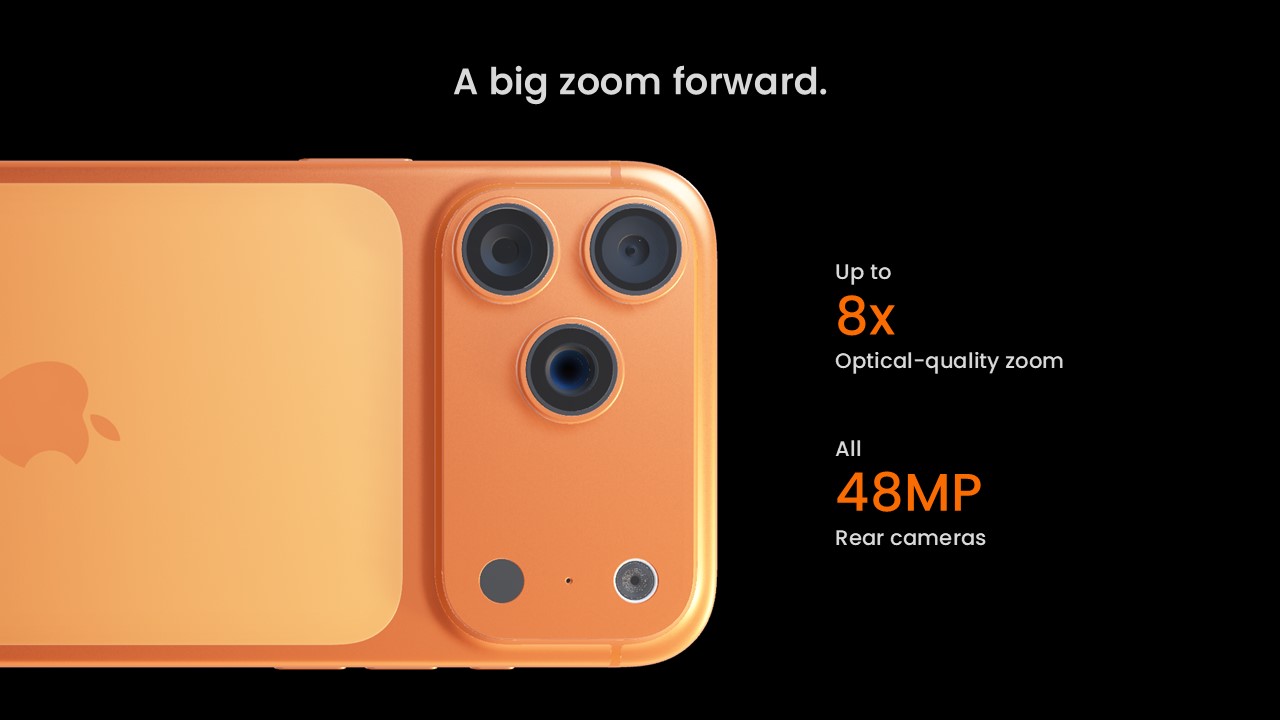
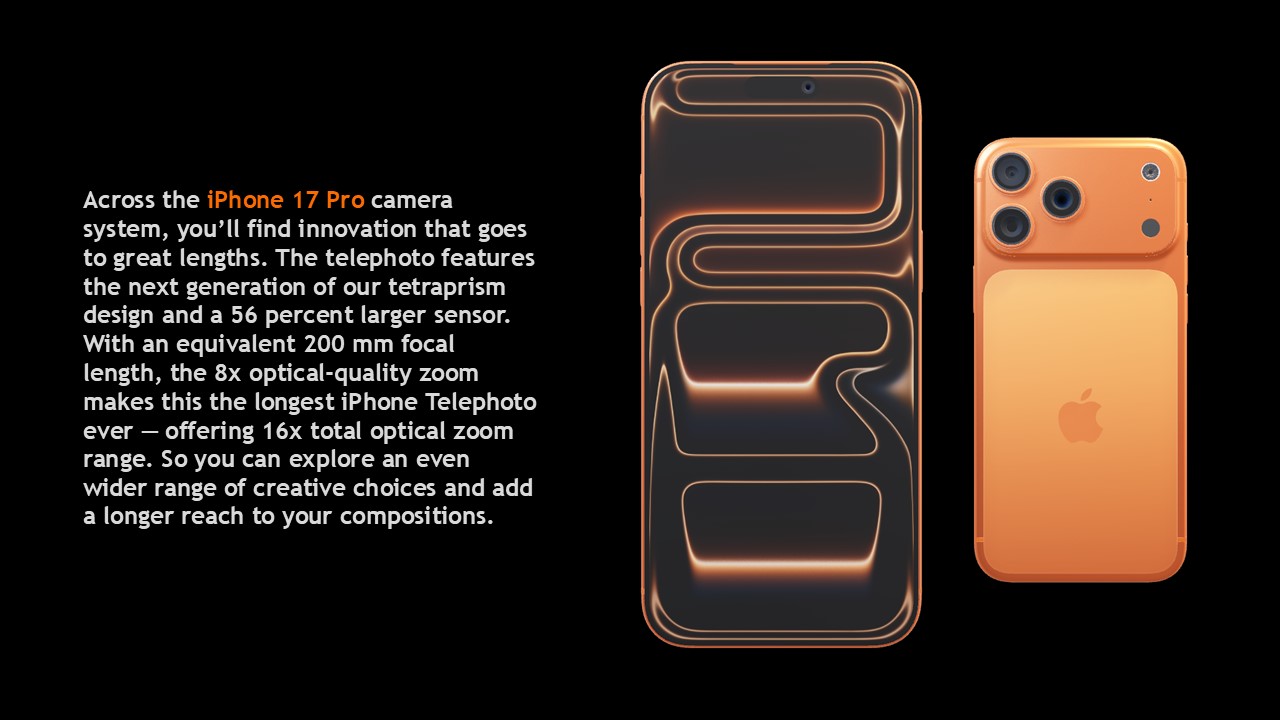
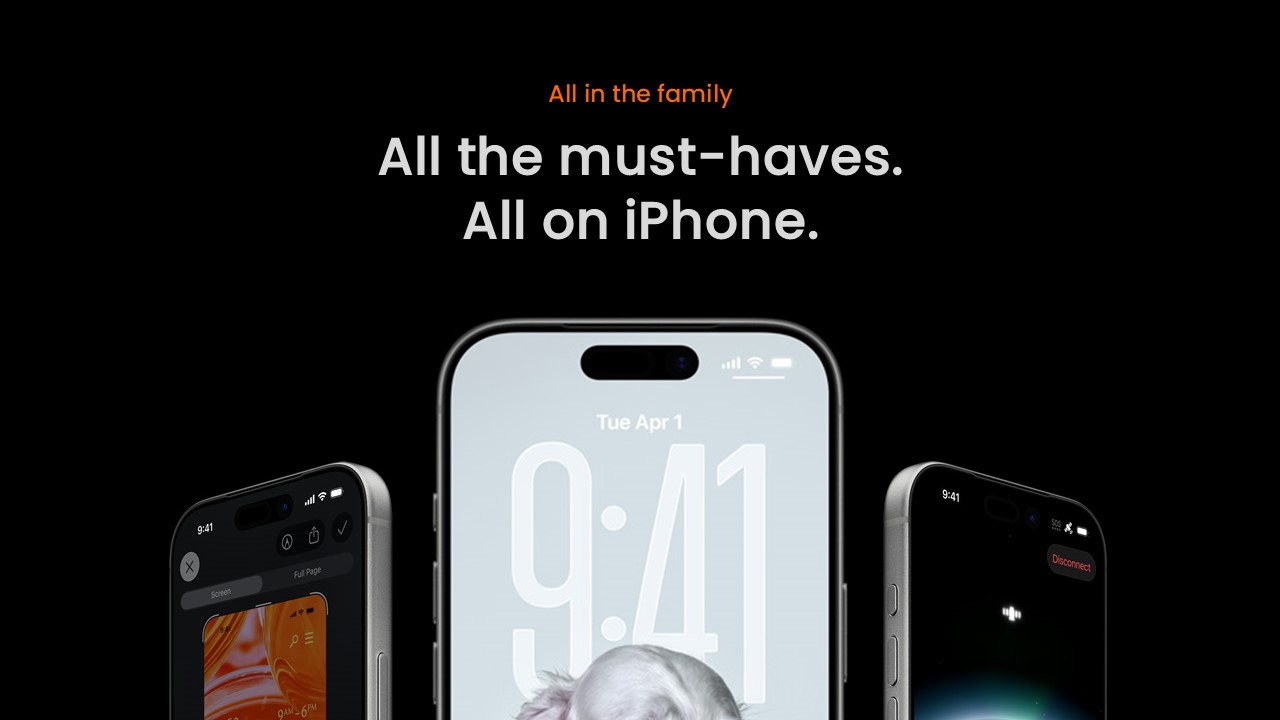
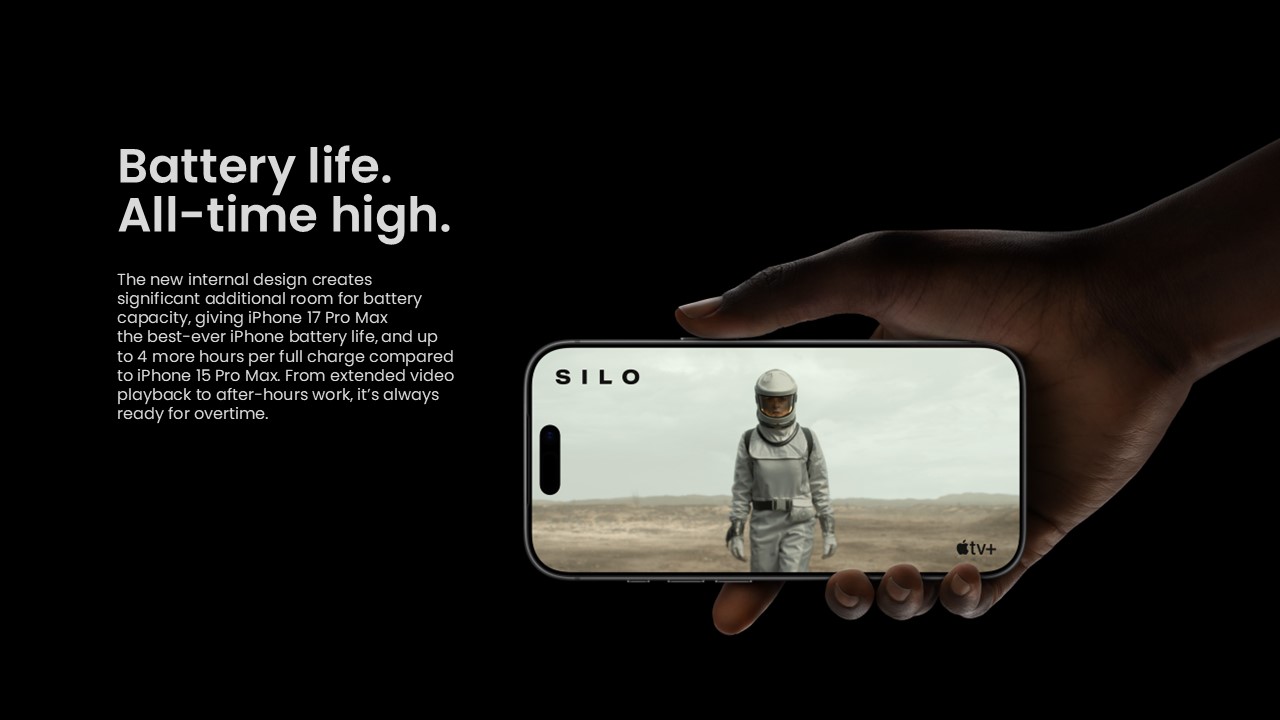
The “Device-First” Framework: Specialized slides feature high-quality iPhone 17 mockups. This allows you to “drop” your designs directly into the frame, giving your audience a realistic preview of how your content looks on a physical device.
Feature-Breakdown Infographics: We’ve replaced boring lists with “Exploded View” graphics. Use these to deconstruct app features, hardware specs, or user journey maps with the precision of an engineering blueprint.
Cinematic Flow: The transitions and layouts are designed to feel like a continuous scroll, mirroring the experience of browsing a flagship product landing page.
Strategic Use Cases: Beyond the Keynote
This is a High-Performance Communication Toolkit built for the digital vanguard:
App Prototypes & Pitch Decks: Perfect for developers and founders who need to show investors exactly how their software will live in the palm of a user’s hand.
Tech Market Analysis: Ideal for analysts presenting data on mobile penetration, 5G adoption, or the future of Generative AI on edge devices.
User Experience (UX) Workshops: A go-to resource for design teams to present wireframes, user personas, and mobile-first strategies in a professional context.
Features of this template
- 100% editable and easy to modify
- 13 Different slides to impress your audience
- Contains easy-to-edit graphics such as graphs, maps, tables, timelines and mockups
- Includes 500+ icons for customizing your slides
- Designed to be used in Google Slides, Microsoft PowerPoint & Canva
- Includes information about fonts, colors, and credits of the resources used
Share Now!
Presentation Tips


Related Products



Same Contributor



Featured Products