
Happy Easter PowerPoint Template
Happy Easter Presentation
Free PowerPoint template and Google Slides theme
Easter is the one time of year when it is perfectly acceptable—and highly encouraged—to go all-in on pastels, bunnies, and painted eggs. Whether you are an elementary school teacher planning a festive classroom activity, a lifestyle blogger sharing a DIY egg-dyeing tutorial, or a local community leader organizing the annual town egg hunt, your presentation needs to capture that specific “first day of spring” magic. You can’t announce a chocolate egg hunt with a dry, corporate spreadsheet.
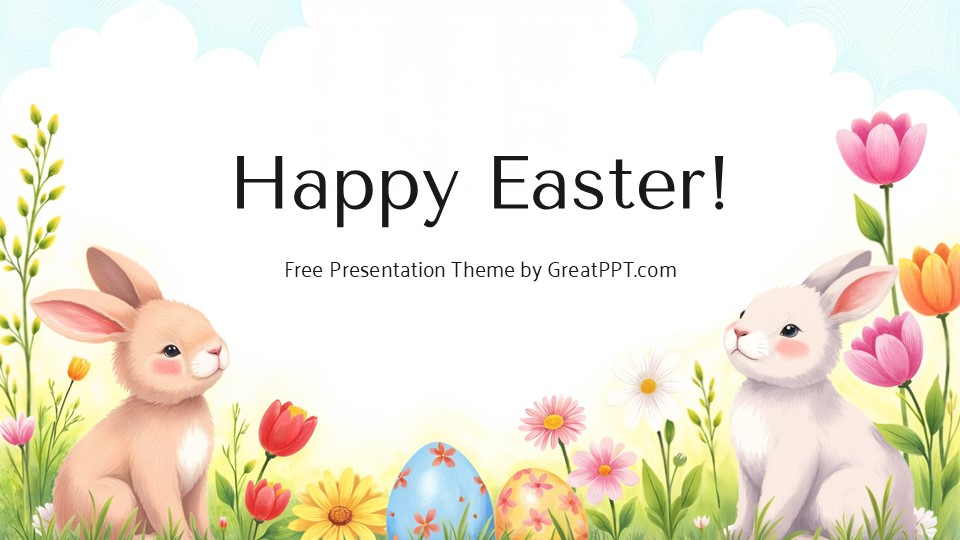
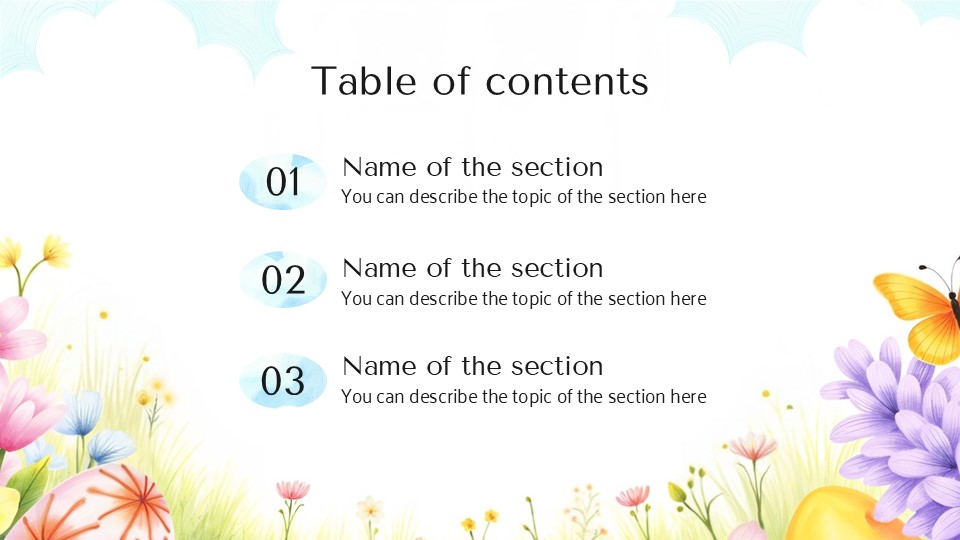
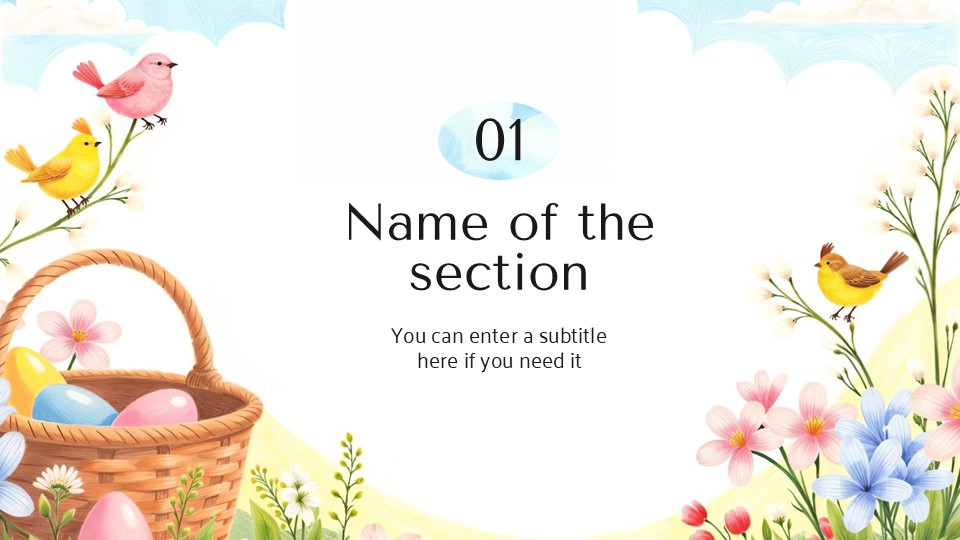
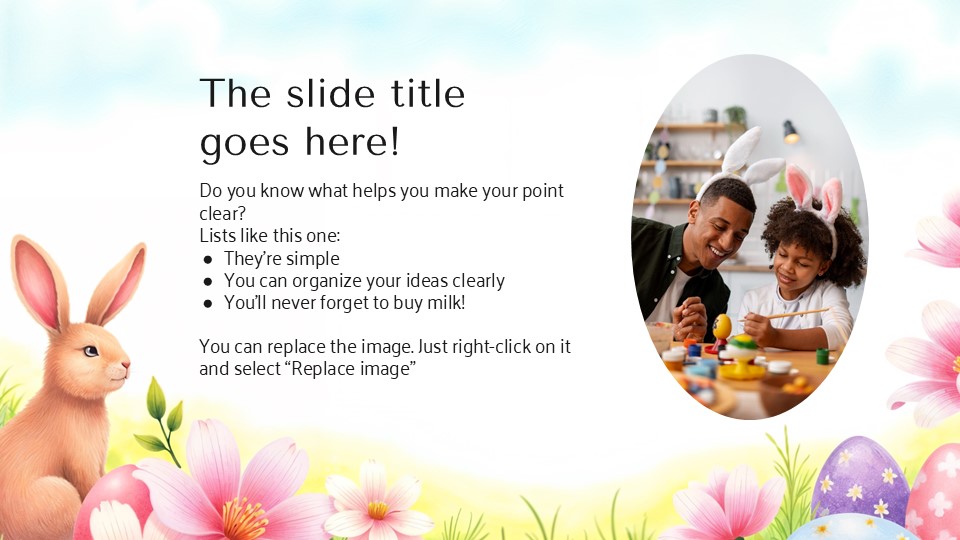
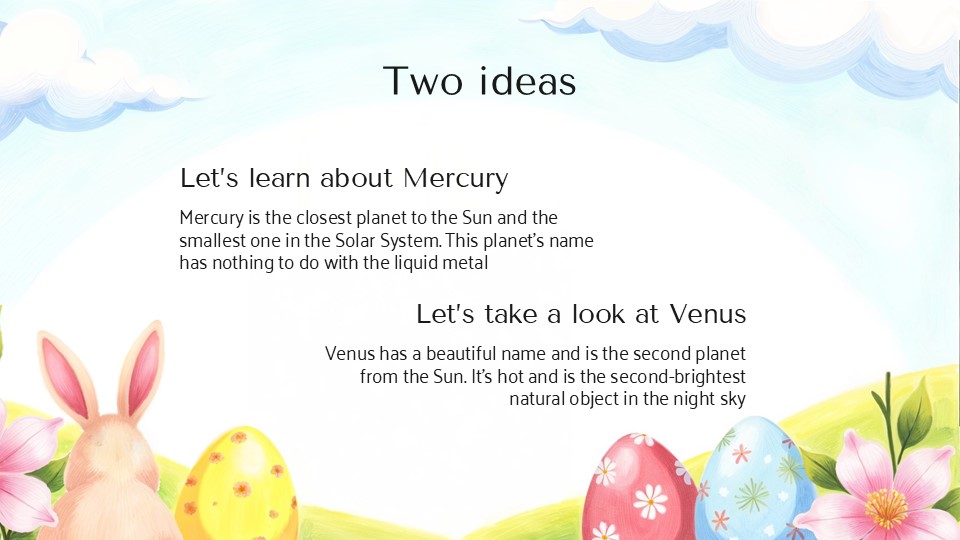
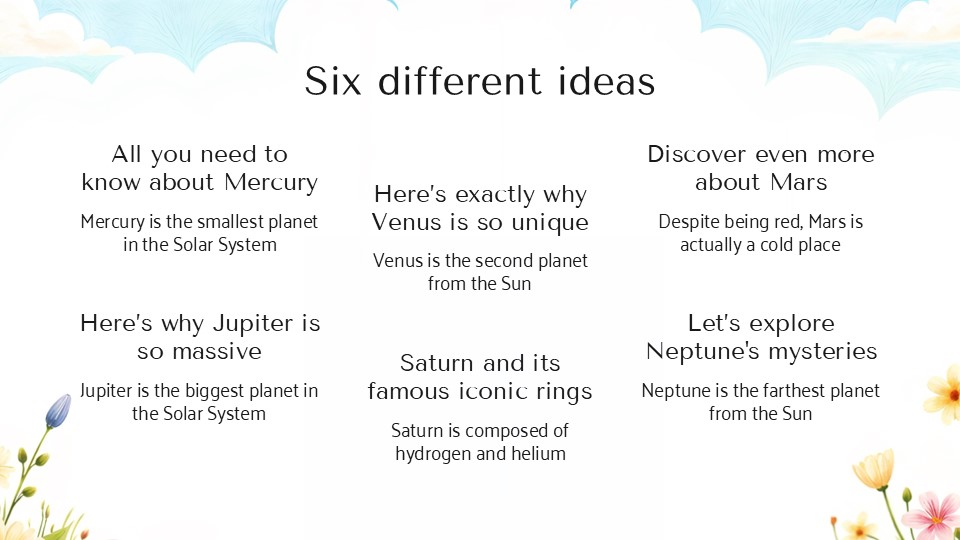
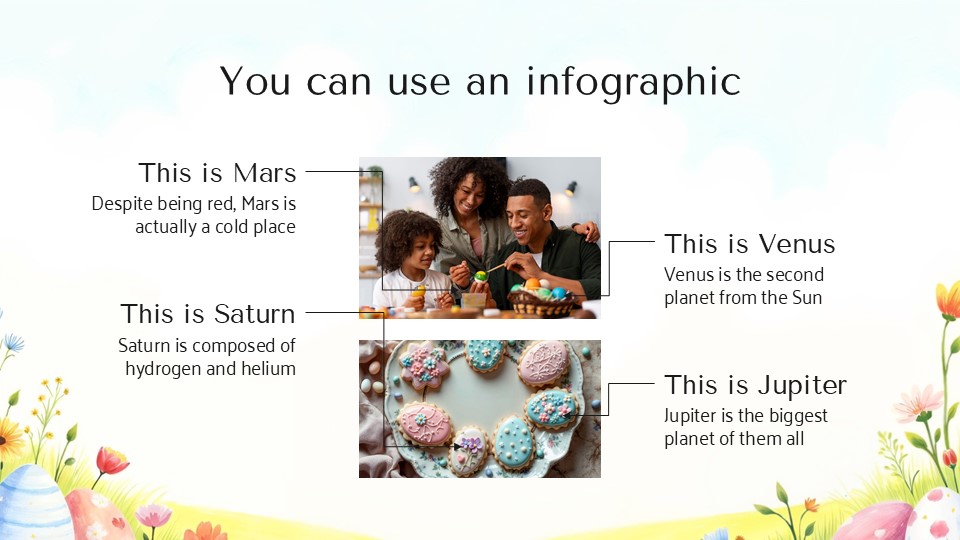
The Happy Easter template for Google Slides and PowerPoint is a masterclass in “Whimsical Celebration.” It moves away from stiff, formal religious layouts and settles into a soft, playful, and child-friendly aesthetic that feels like a warm hug from a giant rabbit.
The Aesthetic: Pastel Dreams & Hand-Drawn Charm
This isn’t just a slideshow; it’s a Visual Candy Basket. The design language is built on the joy of discovery:
The “Marshmallow” Palette: Featuring a sweet, airy blend of baby blues, soft lavenders, mint greens, and buttercup yellows. This palette is psychologically designed to spark happiness and creativity, making it perfect for audiences of all ages.
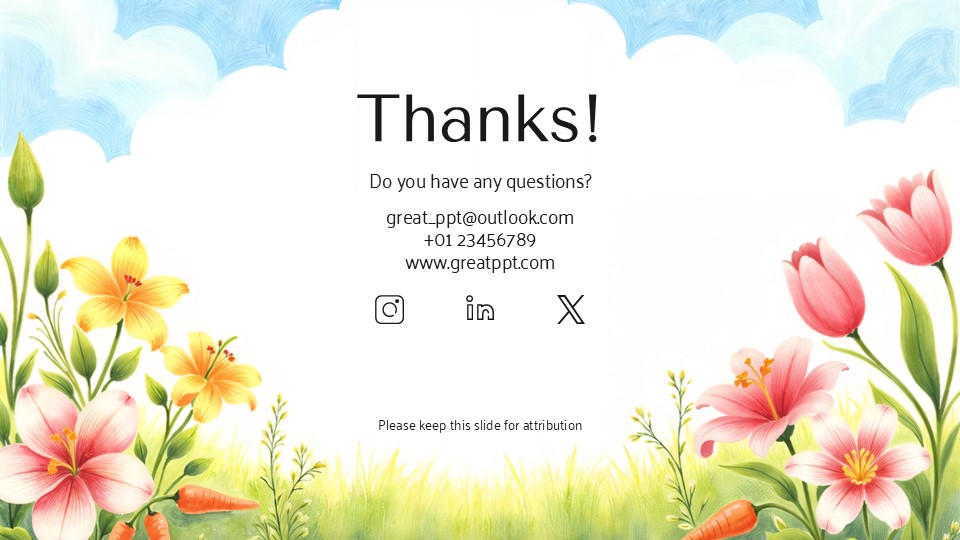
Kawaii-Inspired Illustrations: The deck is anchored by adorable, flat-design characters—think chubby bunnies, peeking chicks, and intricately patterned eggs. These aren’t just clip art; they are cohesive visual elements that guide the viewer through your narrative with a smile.
Playful & Legible Typography: By pairing rounded, “bubble-style” headers with clean, high-contrast body text, the template ensures that your “Event Rules” or “Recipe Steps” are as clear as they are cute.
Design Logic: Built for Interaction & Pacing
The structural logic behind this template focuses on Engagement and Fun:
The “Treasure Hunt” Framework: Layouts are specifically paced to build excitement—perfect for a “clue-by-clue” reveal for an Easter scavenger hunt or a step-by-step craft guide.
Gamified Infographics: We’ve swapped boring bar charts for thematic progress trackers. Use egg-count graphics or “Bunny-Ear” checklists to show participation goals or event timelines.
Modular Content Blocks: The deck is built as a flexible toolkit. You can easily duplicate the “Recipe” slides or the “Photo Gallery” layouts to fit your specific holiday needs without losing the whimsical identity.
Strategic Use Cases: Beyond the Easter Basket
This is a Holiday Branding Toolkit built for the young at heart:
Classroom & Sunday School Lessons: Perfect for teachers explaining the traditions of Easter, the science of spring, or simply hosting a festive end-of-term party.
Social Media & Blog Content: Ideal for influencers or Pinterest-savvy creators who need a high-quality backdrop for their “Top 10 Easter Treats” or “Spring Home Decor” tips.
Community & Family Events: A go-to resource for organizing neighborhood picnics, library story hours, or even a digital “Easter Card” presentation for distant relatives.
Features of this template
- 100% editable and easy to modify
- 10 Different slides to impress your audience
- Contains easy-to-edit graphics such as graphs, maps, tables, timelines and mockups
- Includes 500+ icons for customizing your slides
- Designed to be used in Google Slides, Microsoft PowerPoint & Canva
- Includes information about fonts, colors, and credits of the resources used
Video Preview of Happy Easter Presentation
Share Now!
Presentation Tips



Related Products

Same Contributor

Featured Products