


Showing 9 of 28 Blog Posts
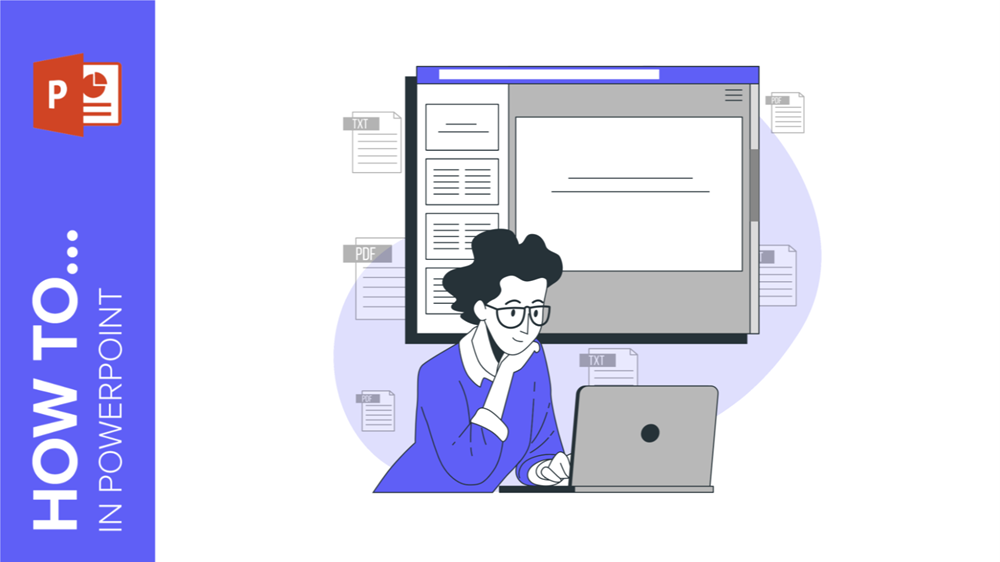
In this tutorial, you’ll learn various methods for inserting a PDF into PowerPoint, enhancing the depth and clarity of your presentation.
Giving your presentation a cool design and taking care of every detail makes your speech look well-prepared and makes you give a detailed-oriented outlook. Adding a border...
In this post we are going to show you step by step how to add a background image and color in PowerPoint.
Did you know that PowerPoint can also be used to create professional flyers? It’s true! You don't need advanced design skills, and it can be an effective...
Incorporating a table into your PowerPoint presentation is an excellent and efficient way to enhance your content. Tables can range from simple rows and columns to complex...
For effective presentations, it’s recommended to minimize text on slides. To enhance readability, consider adjusting the spacing between lines and paragraphs. In this GreatPPT School tutorial, we...
In fact, the color palette should be tailored to the subject matter and audience. In this article, we will explore how to effectively work with colors in...
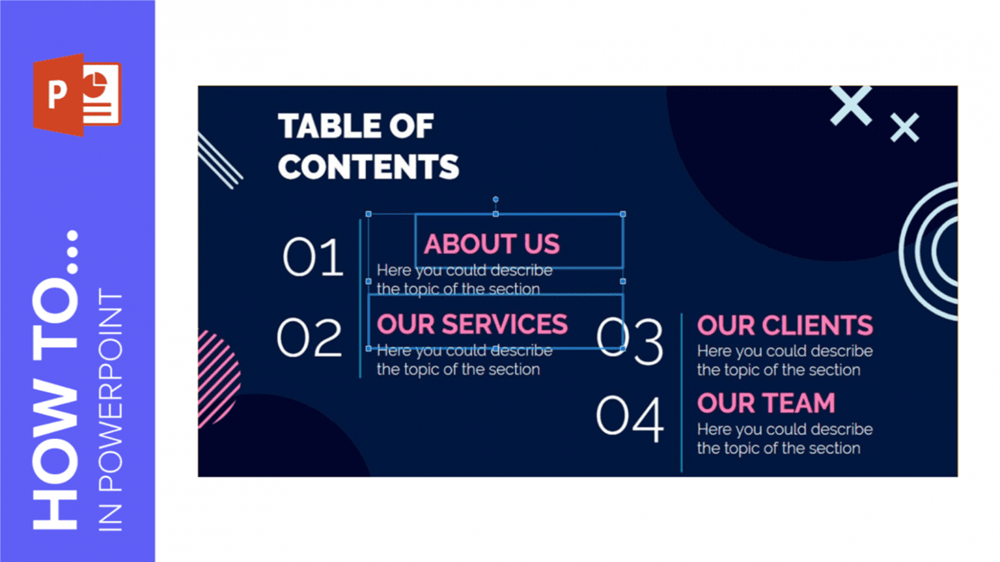
Images, icons, text boxes and shapes constitute the elements of the slides in a presentation. Keeping them properly aligned and arranged will help you grab your audience’s...

Are you tired of presentations that don’t adapt well to the screens used in the venue? That’s mostly due to them not being properly suited for conventional...