


Team Hierarchy PowerPoint Template

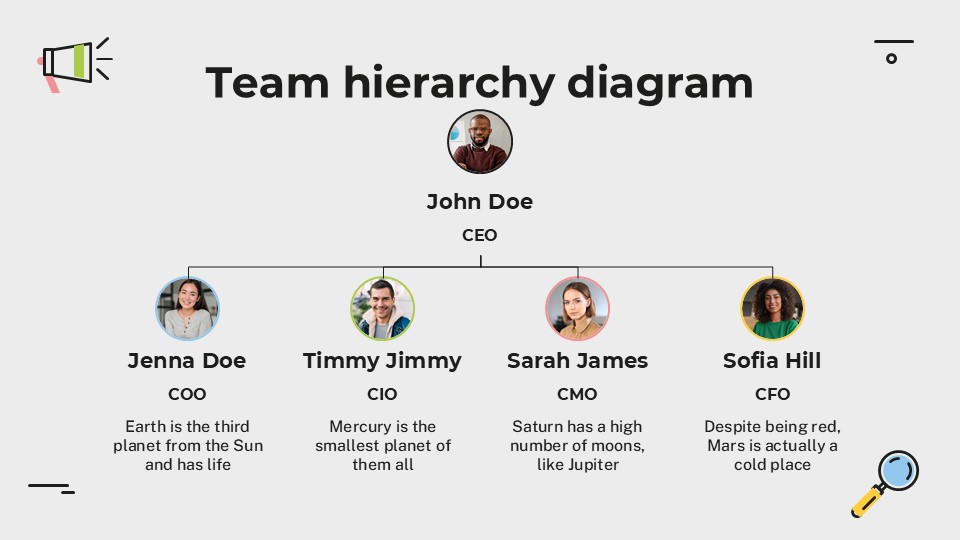
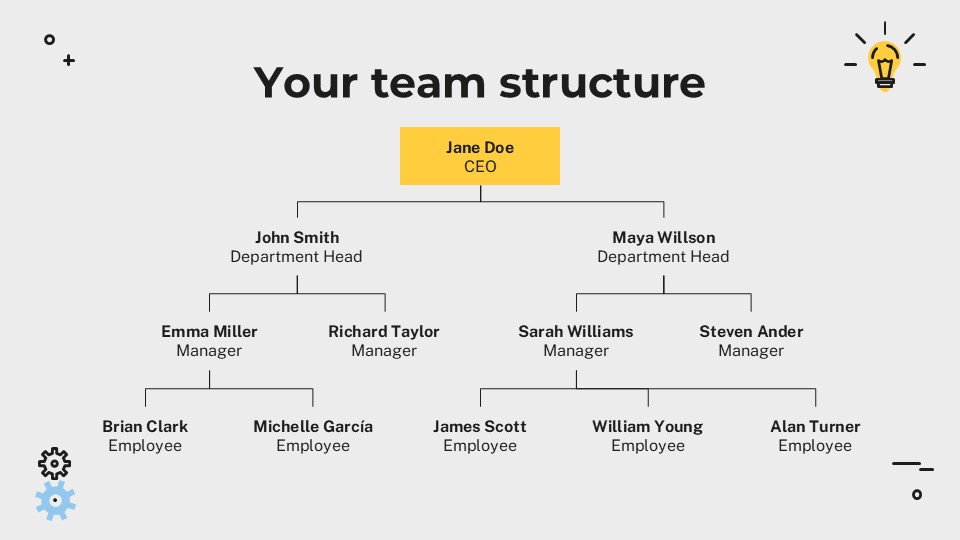
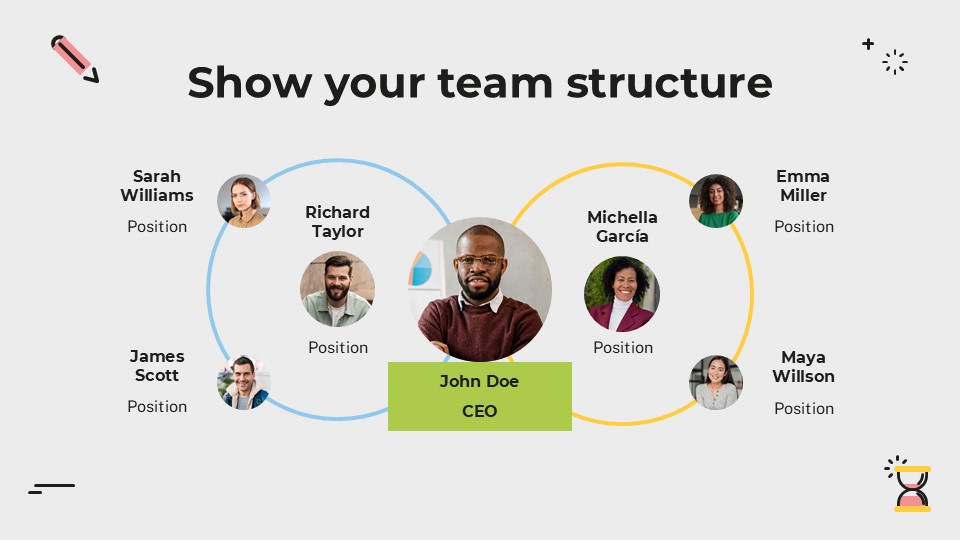
Team Hierarchy Presentation
Free PowerPoint template and Google Slides theme
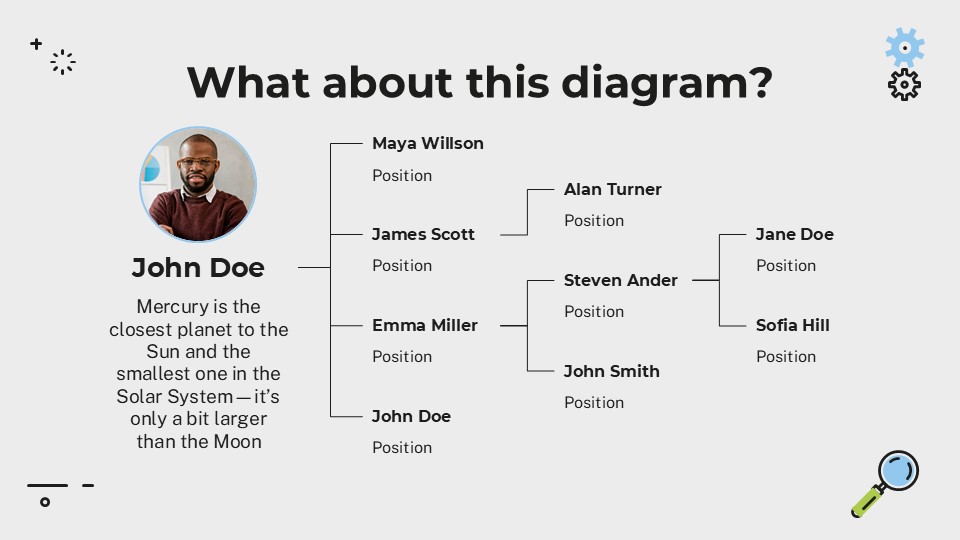
Nothing kills a “culture of transparency” faster than a confusing, messy organizational chart. Whether you are onboarding a new hire, restructuring a department, or presenting your team’s capabilities to a potential client, you need a visual that clarifies reporting lines instantly. If your hierarchy looks like a tangled web of lines and boxes, people won’t see a team—they’ll see a bottleneck.
The Simple Team Hierarchy template for Google Slides and PowerPoint is a masterclass in “Structural Clarity.” It moves away from the “spider-web” chaos of old-school org charts and settles into a clean, minimalist, and highly navigable design that makes leadership and accountability visible at a glance.
The Aesthetic: Minimalist Precision & Visual Breathing Room
This isn’t just a list of names; it’s a Map of Accountability. The design language is built on the philosophy of “Less is More”:
The “Neutral Professional” Palette: Featuring a foundation of soft grays, crisp whites, and deep blacks, often accented by a single brand color (like a professional blue or forest green). This keeps the focus entirely on the people and their roles without visual distraction.
Clean Geometry & Modern Lines: The template utilizes thin, precise lines and uniform boxes. This creates a sense of “Apple-level” design quality—professional, premium, and uncluttered.
Typography that Guides the Eye: By pairing bold, sans-serif headers for names with lighter, smaller weights for titles, the template creates a natural hierarchy that is easy to scan.
Design Logic: Built for Navigating Human Capital
The structural logic behind this toolkit focuses on Scalability and Relatability:
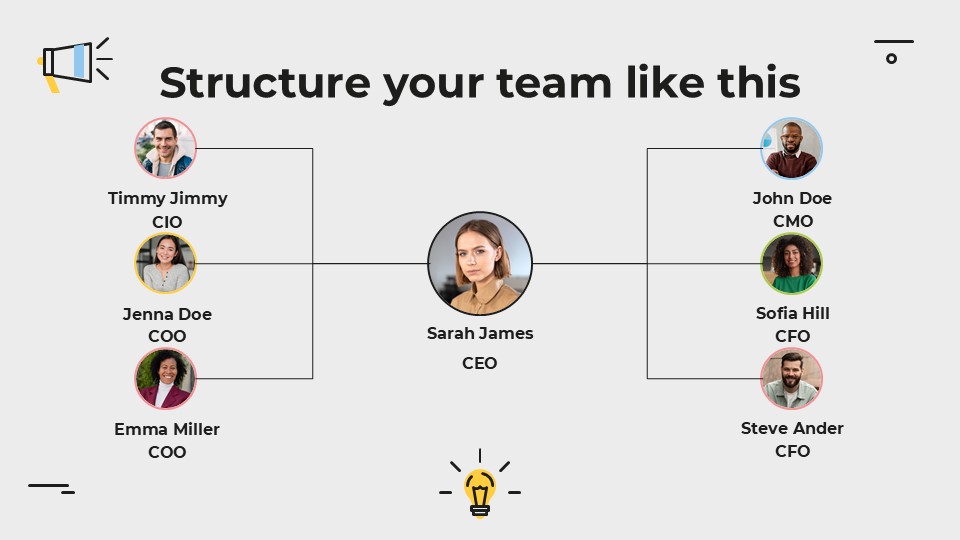
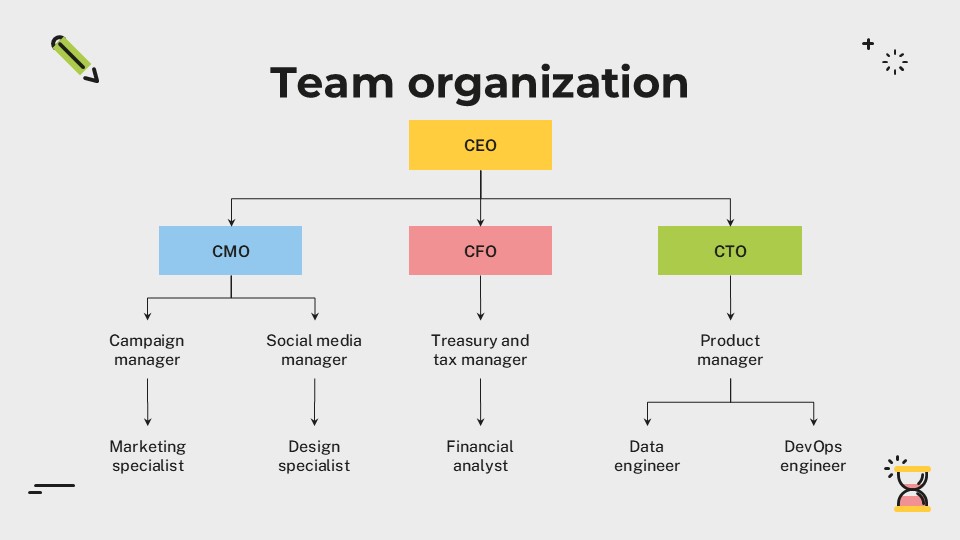
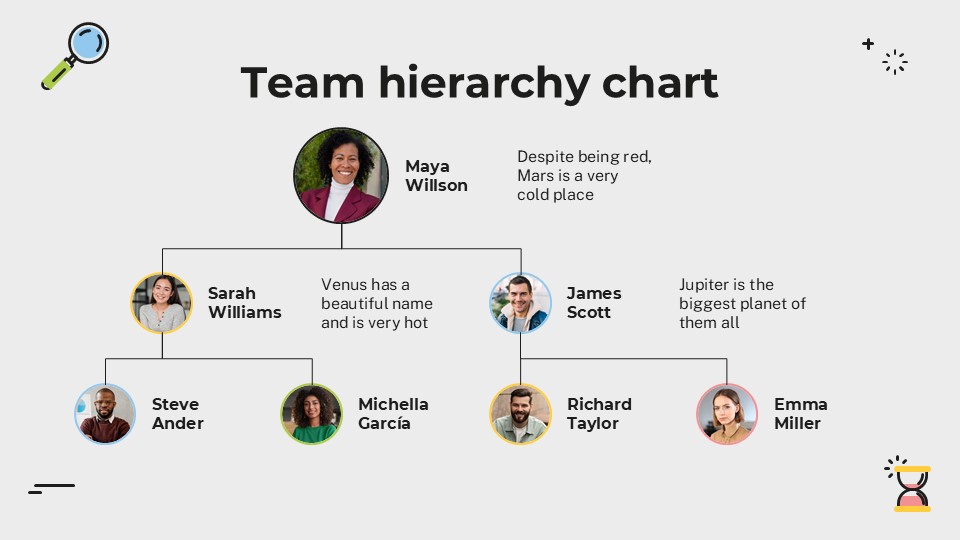
The “Top-Down” and “Flat” Frameworks: Specialized layouts provide options for traditional vertical hierarchies (CEO to Intern) as well as modern, “flat” or matrix-style team structures where collaboration is the focus.
Portrait-Focused Layouts: We’ve replaced text-only boxes with circular or square image placeholders. This “puts a face to the name,” which is essential for building rapport and humanizing a company’s structure.
Functional Grouping: The deck includes slides designed to group teams by department (e.g., Marketing, Engineering, Operations) while showing how they connect to the central leadership, preventing the feeling of “silos.”
Strategic Use Cases: For the Architects of Teams
This is a High-Utility Alignment Toolkit built for those who lead and organize:
Employee Onboarding & Culture Handbooks: Perfect for HR managers who need to show new hires exactly where they fit in the organization and who they report to.
Client & Stakeholder Proposals: Ideal for agencies or firms pitching a project where showcasing the expertise and structure of the “working team” is a key selling point.
Internal Restructuring & M&A: A go-to resource for executives managing a reorganization or merger who need to present a clear, non-threatening vision of the new company structure.
Features of this template
- 100% editable and easy to modify
- 13 Different slides to impress your audience
- Contains easy-to-edit graphics such as graphs, maps, tables, timelines and mockups
- Includes 500+ icons for customizing your slides
- Designed to be used in Google Slides, Microsoft PowerPoint & Canva
- Includes information about fonts, colors, and credits of the resources used
Video Preview of Team Hierarchy Presentation
Share Now!
Presentation Tips




Recent Templates



Related Products
Same Contributor

Featured Products