


Sketchnotes Lesson Powerpoint Template
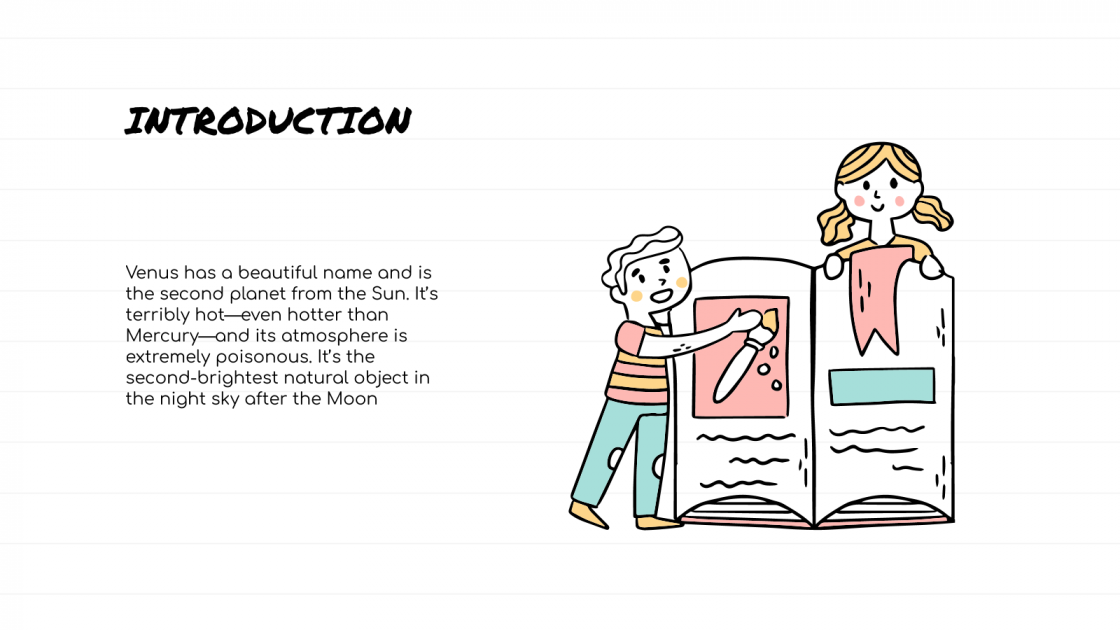
Sketchnotes Lesson Presentation
Free PowerPoint template and Google Slides theme
The best ideas rarely start in a boardroom or a rigid spreadsheet; they start on the back of a napkin or in the margins of a notebook. There is something inherently human and engaging about a hand-drawn sketch that a sterile, corporate slide just can’t replicate. If you’re tired of “death by PowerPoint” and want to actually stimulate your audience’s brain, you need a visual medium that feels alive.
The Sketchnotes Lesson template for Google Slides and PowerPoint is a masterclass in “Visual Thinking.” It moves away from the “flat” digital look and embraces an organic, artisanal, and highly cognitive aesthetic that turns every lesson into a journey of discovery.
The Aesthetic: Hand-Crafted Clarity & Doodled Genius
This isn’t just a slideshow; it’s a Digital Notebook. The design language is built on the philosophy of “Visual Literacy”:
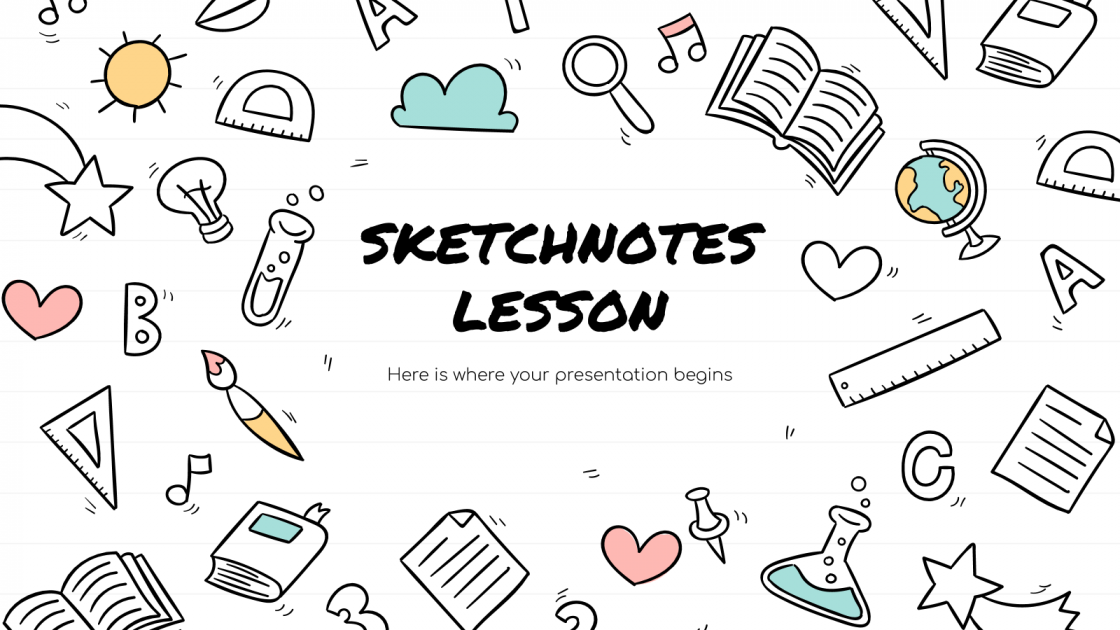
The “Graph Paper” Palette: Utilizing a clean, nostalgic backdrop of notebook grids and off-white textures, accented by vibrant “highlighter” yellows, ink-blot blues, and pencil grays. It feels tactile, like a curated journal of a polymath.
Artisanal Illustrations: The deck is packed with “hand-drawn” arrows, thought bubbles, and whimsical icons. These aren’t just decorations; they act as “visual anchors” that help the brain categorize and retain complex information faster.
Organic Typography: By pairing “marker-style” script headers with clean, readable body fonts, the template creates a perfect balance between informal creativity and professional structure.
Design Logic: Built for “The Aha! Moment”
The structural logic behind this template focuses on Information Synthesis and Retention:
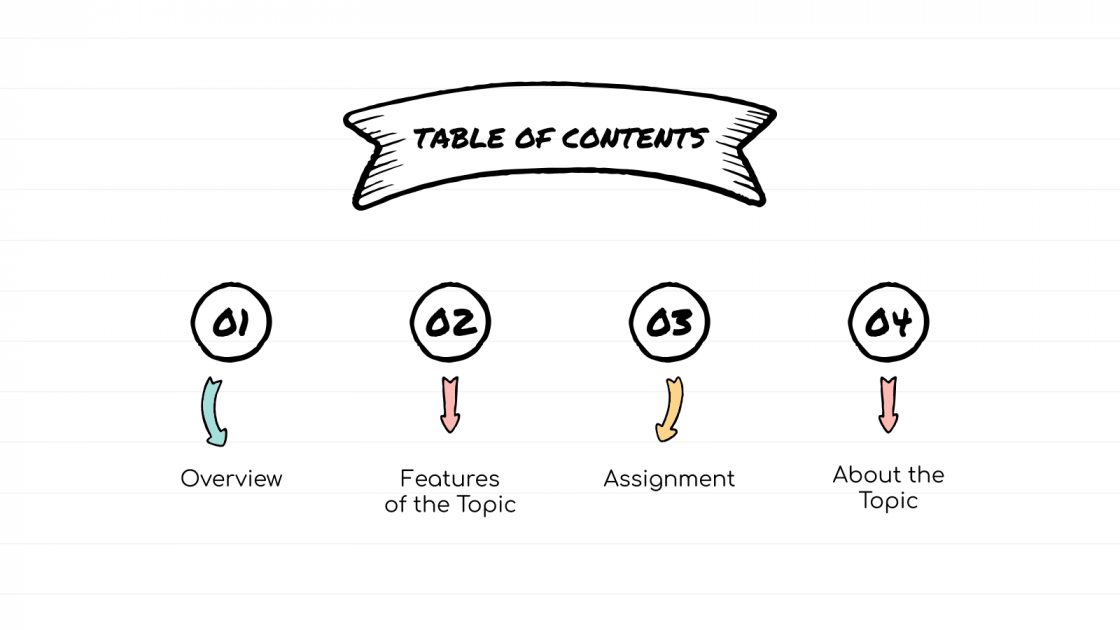
The “Mind-Map” Framework: Layouts are specifically designed to follow a non-linear, associative flow. It’s perfect for brainstorming sessions, complex storytelling, or breaking down a multifaceted “Grand Theory” into digestible chunks.
High-Retention Infographics: We’ve replaced boring bullet points with concept maps, process “scribbles,” and Venn-doodle diagrams. This forces the presenter to prioritize the most important keywords, reducing cognitive load for the audience.
Dynamic Scaffolding: The deck functions as a flexible toolkit. You can easily add “layers” to your story, making it feel like the presentation is evolving in real-time, just like a live sketchnoting session.
Strategic Use Cases: Beyond the Classroom
This is a Strategic Communication Toolkit built for the curious and the bold:
Interactive Workshops & Training: Perfect for facilitators who want to encourage participation and keep energy levels high during long sessions.
Creative Brand & Marketing Pitches: Ideal for agencies presenting a “Big Idea” or a brand story that needs to feel authentic, human, and unpolished in the best way possible.
Educational & Student Portfolios: A go-to resource for teachers looking to inspire “Visual Note-taking” skills or students who want to stand out with a unique, artistic project.
Features of this template
- 100% editable and easy to modify
- 21 Different slides to impress your audience
- Contains easy-to-edit graphics such as graphs, maps, tables, timelines and mockups
- Includes 500+ icons for customizing your slides
- Designed to be used in Google Slides, Microsoft PowerPoint & Canva
- Includes information about fonts, colors, and credits of the resources used
Video Preview of Sketchnotes Lesson Presentation
Share Now!
Presentation Tips


Recent Templates


Related Products
Same Contributor

Featured Products