


Government Strategy Meeting Presentation
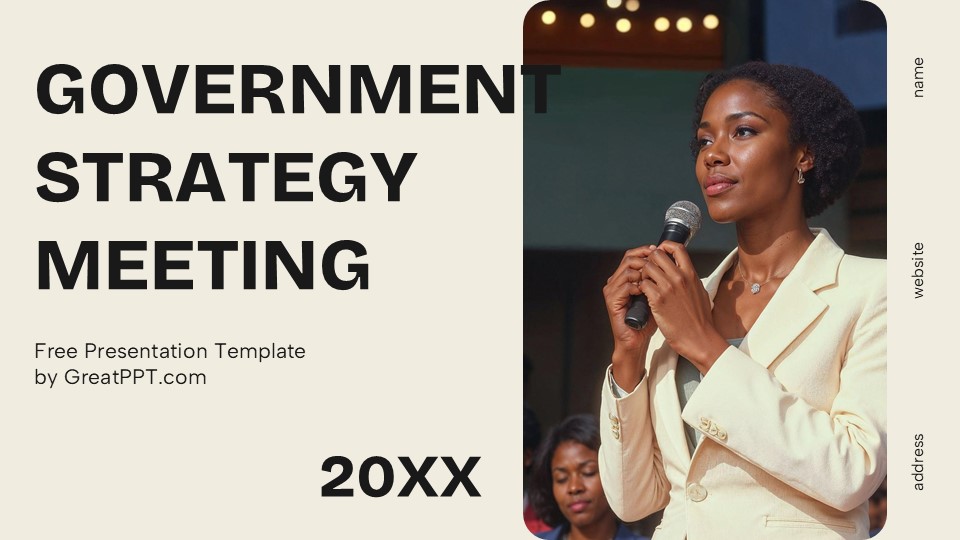
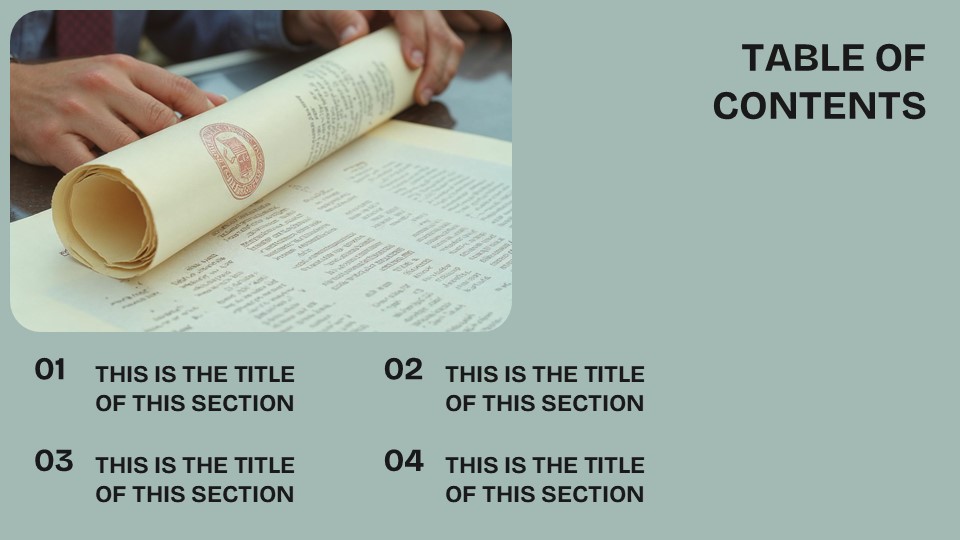
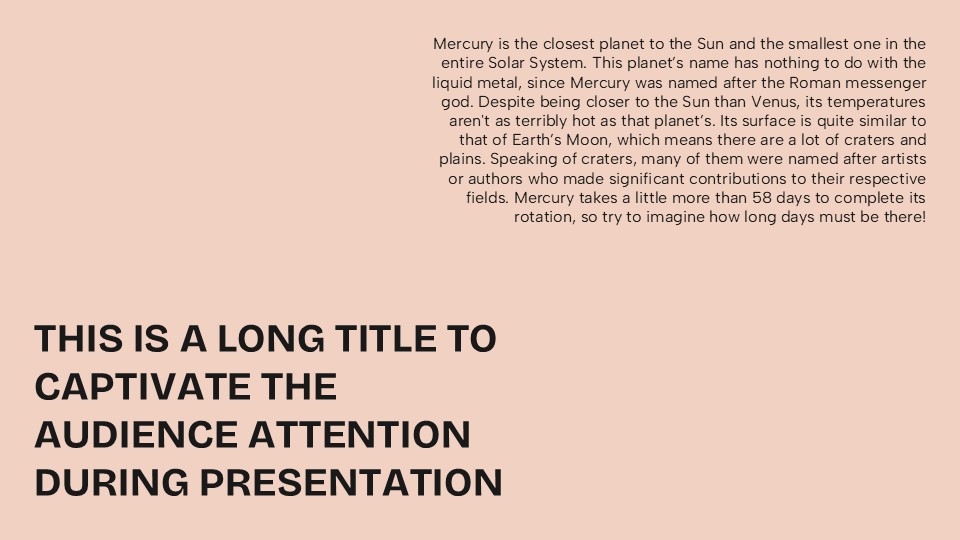
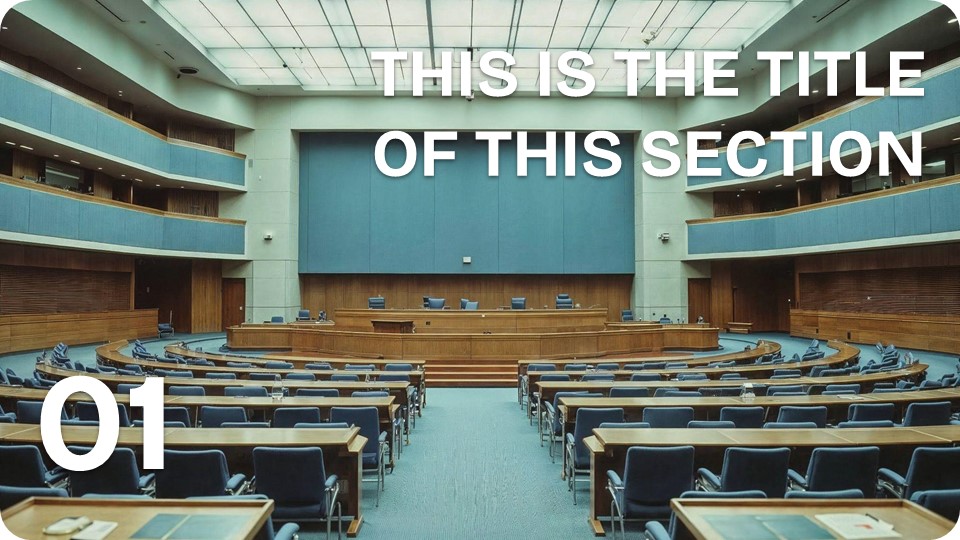
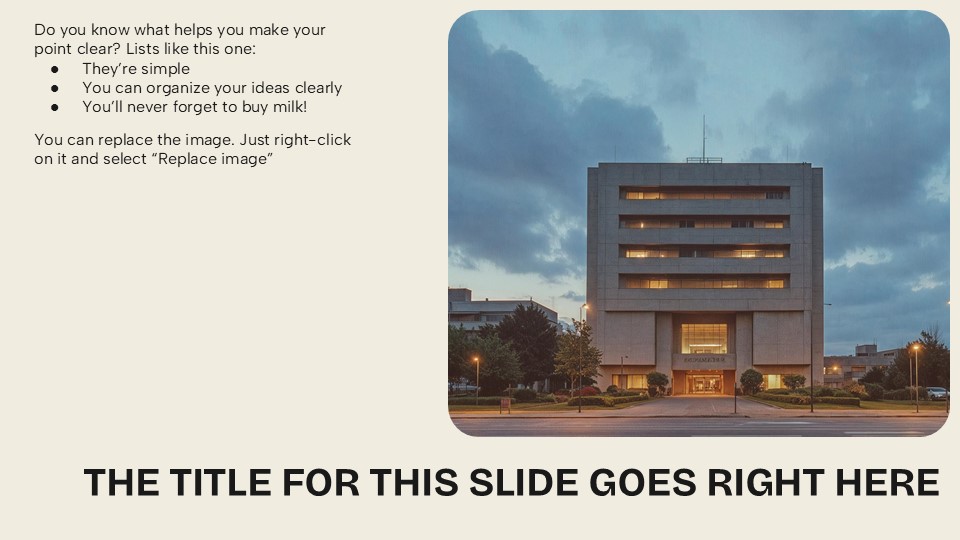



Government Strategy Meeting Presentation
Free PowerPoint template and Google Slides theme
Government meetings have a reputation for being dry, overly bureaucratic, and—frankly—visually exhausting. When you’re dealing with high-stakes policy, urban planning, or public health initiatives, a cluttered or “default” slide deck can actually undermine the public’s trust or a committee’s engagement. To move the needle on complex social issues, you need a visual language that communicates transparency, stability, and decisive action.
The Government Strategy Meeting template for Google Slides and PowerPoint is a masterclass in “Civic Sophistication.” It moves away from cold, institutional layouts and settles into a clean, authoritative, and service-oriented aesthetic that turns dense policy into a clear roadmap for progress.
The Aesthetic: Trust, Authority, and Modern Governance
This isn’t just a meeting deck; it’s a Public Record of Intent. The design language is built on the philosophy of “Informed Leadership”:
The “Patriotic Professional” Palette: Featuring a foundation of deep navy blues, slate grays, and crisp whites, accented by subtle gold or burgundy highlights. This palette is psychologically grounded in reliability and tradition while maintaining a modern, high-contrast look that ensures legibility in large chambers.
Iconography of Infrastructure: The deck utilizes clean, professional icons representing key sectors—healthcare, education, technology, and public safety. These assets are designed with a uniform weight, giving your strategy a cohesive, “state-level” finish.
Balanced, Authoritative Typography: By pairing strong, traditional sans-serif headers with spacious, easy-to-read body text, the template ensures that your “Key Mandates” and “Legislative Goals” are the undisputed focus.
Design Logic: Built for Accountability and Flow
The structural logic behind this toolkit focuses on Progressive Disclosure and Public Clarity:
The “Assessment-to-Action” Framework: Specialized layouts are designed to guide stakeholders through the critical phases of a strategy—moving from “Current Situation Analysis” and “SWOT Assessments” to “Resource Allocation” and “Implementation Timelines.”
Transparent Data Visualization: We’ve replaced standard charts with high-impact infographics, demographic maps, and budgetary breakdown tables. This allows you to present fiscal data or social metrics in a way that is both legally precise and easy for the layperson to understand.
Modular Strategy Blocks: The template functions as a flexible governance toolkit. You can easily prioritize “Citizen Impact” slides for public hearings or “Operational Efficiency” layouts for internal departmental briefings.
Strategic Use Cases: For the Architects of Society
This is a High-Utility Communication Toolkit built for those who serve the public interest:
City Council & Policy Briefings: Perfect for department heads or elected officials presenting new urban development plans, zoning changes, or community outreach programs.
Public Health & Safety Initiatives: Ideal for presenting crisis response strategies, vaccination rollouts, or regional safety audits to inter-agency committees.
Educational & Non-Profit Advocacy: A go-to resource for NGOs or academic researchers presenting data-driven policy recommendations to government bodies or international organizations.
Features of this template
- 100% editable and easy to modify
- 13 Different slides to impress your audience
- Contains easy-to-edit graphics such as graphs, maps, tables, timelines and mockups
- Includes 500+ icons for customizing your slides
- Designed to be used in Google Slides, Microsoft PowerPoint & Canva
- Includes information about fonts, colors, and credits of the resources used
Video Preview of Government Strategy Meeting Presentation
Share Now!
Presentation Tips


Recent Templates


Related Products
Same Contributor

Featured Products