


Financial Blueprint Business Meeting on World Financial Planning Day Presentation


Streamlining Corporate Finance: A Review of GreatPPT’s Financial Blueprint Template
When World Financial Planning Day rolls around every October, finance teams and corporate leaders face the same annual hurdle: turning complex data, spreadsheets, and fiscal projections into a narrative that actually keeps stakeholders awake. If you are prepping for an upcoming Q4 strategy session or an executive board meeting, your visual assets need to match the weight of your numbers.
GreatPPT’s Financial Blueprint Business Meeting presentation template aims to bridge that exact gap between high-level financial analysis and clean, professional design.
As a digital media and presentation strategist, I looked under the hood of this 24-slide deck to see how it holds up for real-world corporate environments. Here is my breakdown of who this template is for, how it performs visually, and why it works from a technical standpoint.
Design Aesthetics: The Psychology of the Blue Corporate Palette
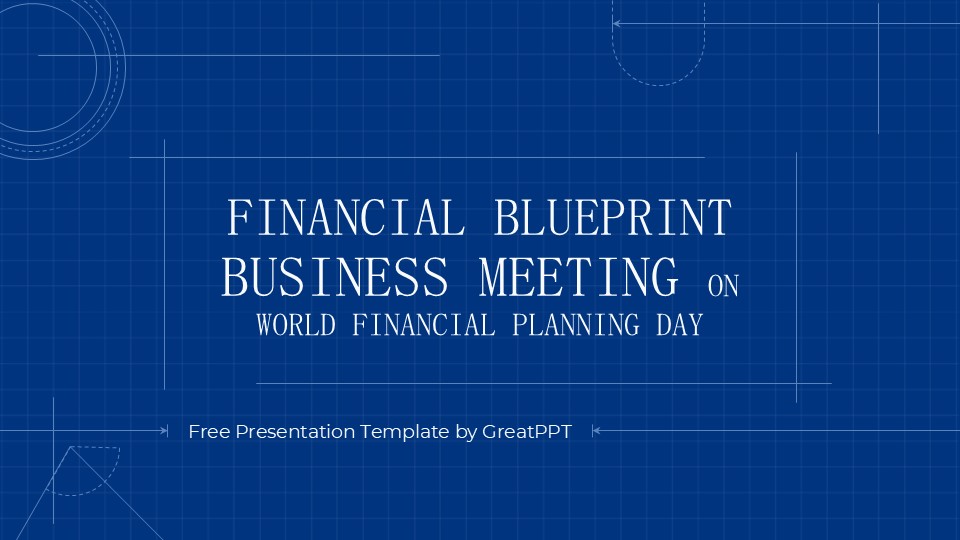
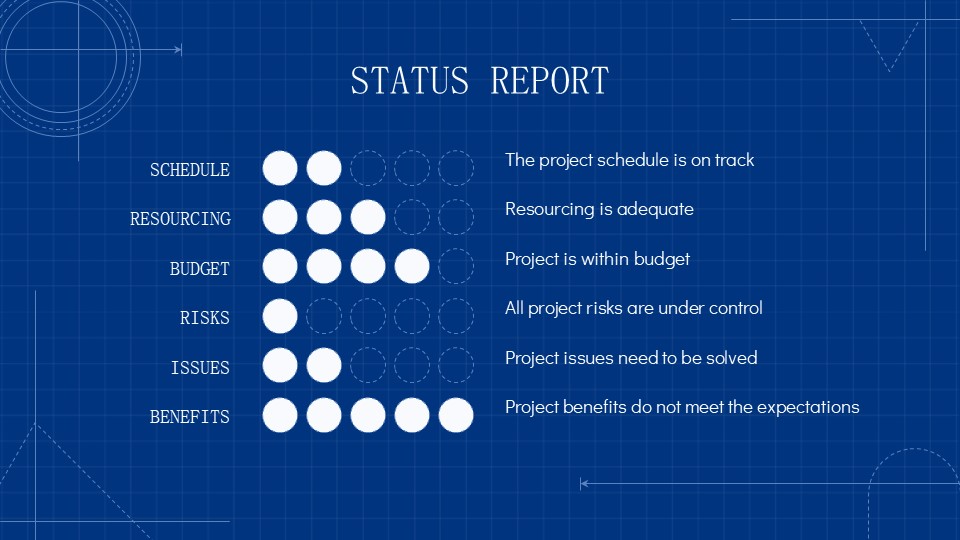
The first thing that stands out about this deck is its deliberate color theory. Built around a deep corporate blue and contrasted with sharp white typography, the deck instantly signals security, trust, and professional stability—traits that are non-negotiable when dealing with global economies or company budgets.
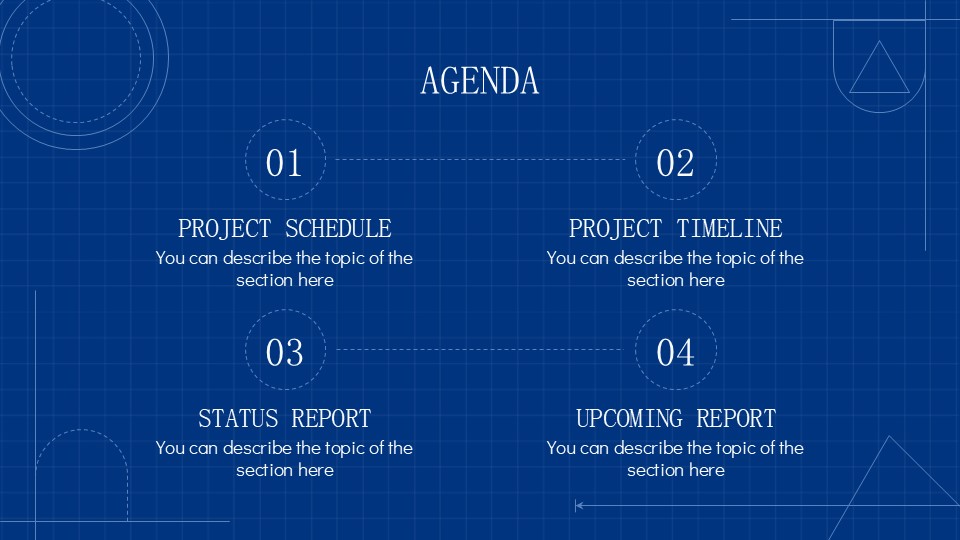
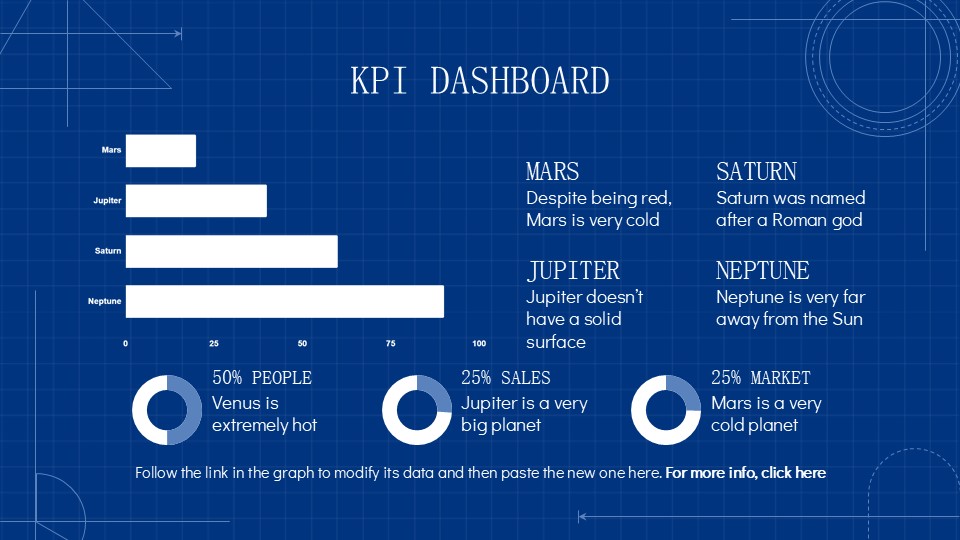
The layout utilizes a minimalist, geometric approach. By leaning into clean lines and subtle abstract shapes, the template avoids the “cluttered dashboard” look that ruins many financial presentations. Instead, the high-contrast dark background naturally draws the audience’s eye directly to the numbers, key performance indicators (KPIs), and fiscal trends.
Core Technical Features & Package Breakdown
From a production standpoint, a template is only as good as its flexibility. Slidesgo built this set with standard modern cross-platform compatibility in mind.
- Multi-Platform Access: Ready to run natively across Google Slides, Microsoft PowerPoint, and Canva.
- Slide Volume: 24 distinct, fully editable master slides.
- Widescreen Layout: Standard 16:9 aspect ratio, ensuring no awkward stretching or letterboxing on modern conference room screens or Zoom shares.
- Asset Library: Access to over 500 customizable vector icons and integration with Flaticon extensions for rapid layout tweaks.
Built-in Data Visualization: Moving Beyond Bullet Points
Where this template truly saves time for business operators is its pre-built asset infrastructure. Instead of requiring you to build tables or timelines from scratch, the deck includes dedicated modules for heavy data lifting:
Strategic Timelines: Ideal for showing fiscal year rollouts, milestone achievements, or quarterly financial tracking leading up to World Financial Planning Day.
Dynamic Infographics & Charts: Rather than pasting messy Excel screenshots, the template offers cleanly styled native graphs, maps, and comparative tables that match the overarching blue-and-white design system.
Corporate Mockups: Clean frames to present software dashboards, internal financial tools, or digital product performance.
The Verdict: Who Should Download This?
If your day-to-day involves pitching to investors, leading internal financial audits, or outlining a startup’s roadmap to profitability, this layout cuts out the design guesswork. It strikes a rare balance: it feels customized and high-end without forcing you to spend hours adjusting margins or font sizes.
Pro-Tip for Free Users: If you are utilizing Slidesgo’s free tier, keep in mind that attribution is required on your final slide. For clean corporate environments or high-stakes investor pitches, upgrading to their premium plan to remove the credit slide is usually the standard business practice.
Frequently Asked Questions (FAQ)
What is the best platform to edit the Financial Blueprint template?
The choice comes down to your team’s workflow. If you need real-time collaboration during a live meeting, open the file directly in Google Slides or Canva. If you require advanced animation or are working entirely offline, downloading the presentation as a Microsoft PowerPoint file is your best bet.
Can I change the background color if deep blue doesn’t match my company branding?
Yes. Every element inside this template is 100% editable. However, because the text layers are styled in white and bright accents for high contrast, switching to a light background will require you
Share Now!
Presentation Tips

Recent Templates


Related Products
Same Contributor

Featured Products