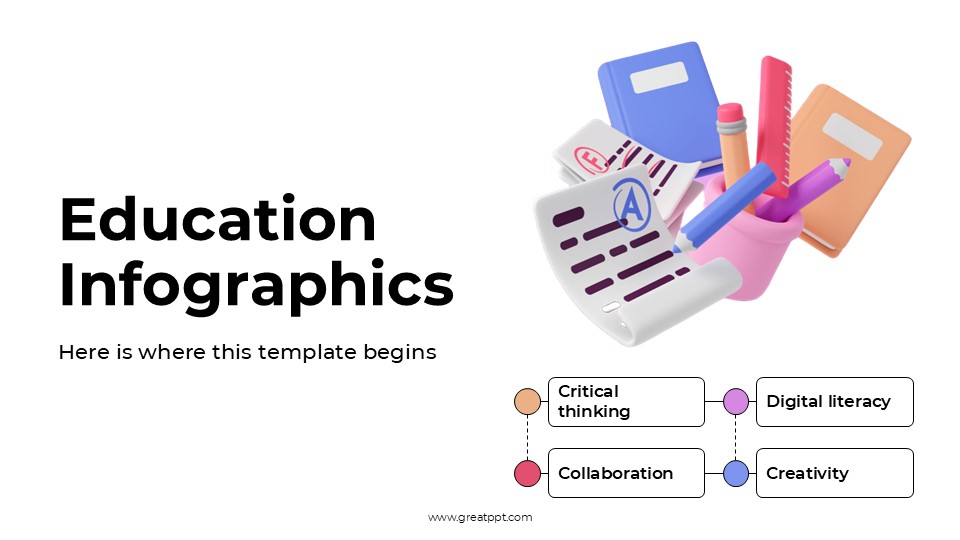



Back to School Powerpoint Template

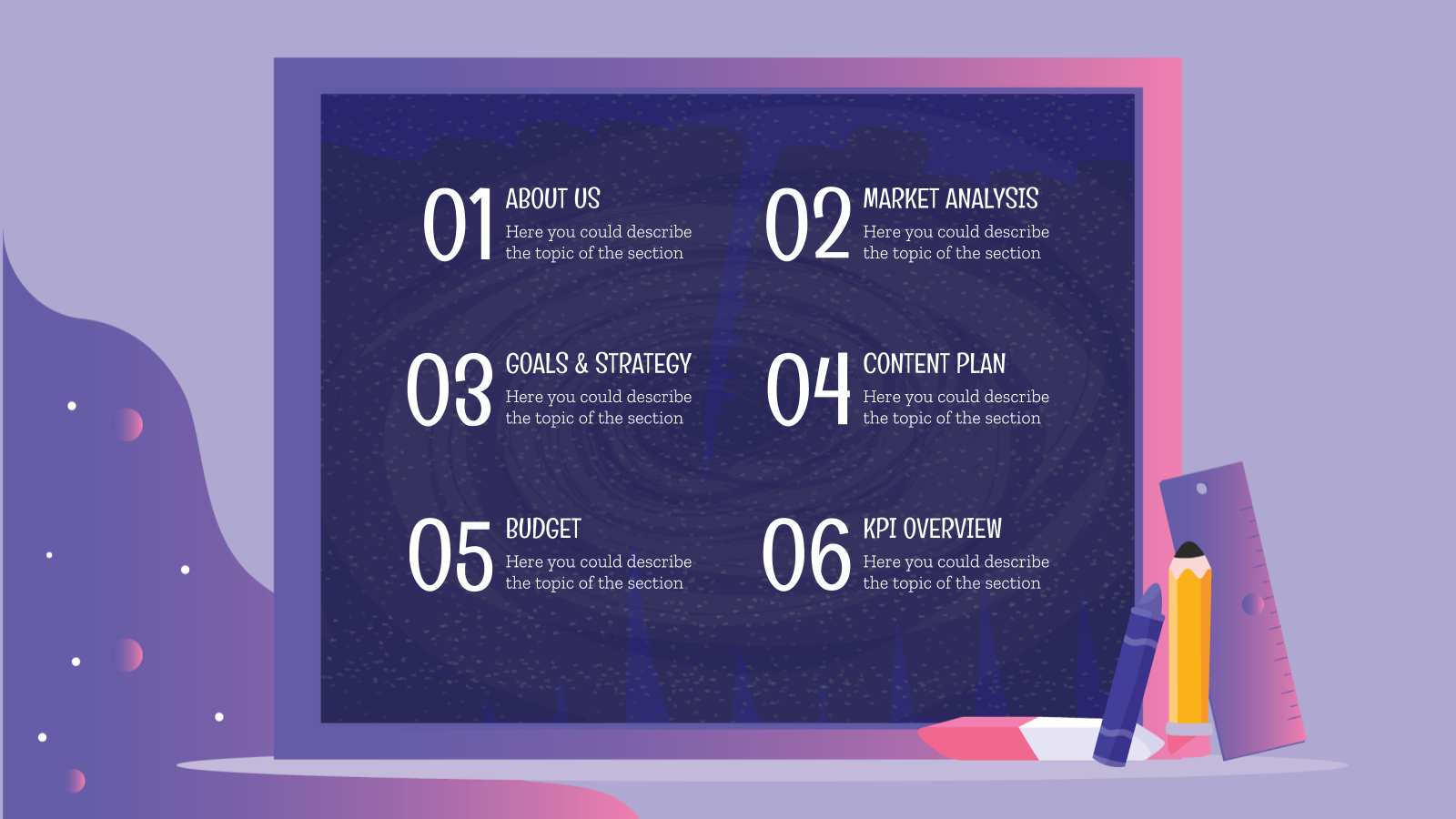

Back to School Presentation
Free Google Slides theme and PowerPoint template
Let’s be real: in a digital-first world, a “Welcome Back” flyer on a corkboard just doesn’t cut it anymore. Whether you’re a school administrator trying to engage a tech-savvy student body, a boutique education brand launching a fall campaign, or a teacher looking to build a vibrant classroom community on Instagram, you need to speak the language of the feed. You need a design that feels less like a syllabus and more like a trending story.
The Back-to-School template for Google Slides and PowerPoint is a masterclass in “Educational Aesthetics.” It moves away from the tired, primary-colored clichés of the past and settles into a vibrant, sticker-book-inspired style that perfectly bridges the gap between the classroom and the smartphone screen.
The Aesthetic: Y2K Nostalgia & Scrapbook Chic
This isn’t just a collection of slides; it’s a Social Media Toolkit. The design language is built on the high-energy “Sticker & Collage” trend dominating platforms like TikTok and Pinterest:
The “Skittle” Palette: Featuring a playful, high-contrast mix of electric blues, candy-apple reds, and sunny yellows. This palette is psychologically designed to spark excitement and “back-to-school” nerves in the best way possible.
Textured Elements: The deck is packed with “hand-drawn” doodles, paper-clip accents, and washi-tape textures. It gives your digital presentation a tactile, DIY feel that feels authentic and approachable.
Bold, “Social-First” Typography: By pairing chunky, statement headers with clean, sans-serif body text, the template ensures your “Important Dates” and “Handle Tags” are unmissable, even on a small screen.
Design Logic: Built for Cross-Platform Storytelling
The structural logic behind this template focuses on Shareability and Snap-Engagement:
The “Post-Ready” Framework: Layouts are specifically optimized to mirror social media formats. Use the “Meet the Teacher” profile slides as templates for Instagram carousels or the “Weekly Schedule” grids for Pinterest pins.
Visual Hierarchy for Scrolling: We’ve prioritized “Headline-to-Visual” ratios. This means your audience gets the most important information first, followed by fun, engaging graphics that keep them scrolling through the deck.
Interactive Community Building: The template includes dedicated sections for “Student Takeovers,” “Question of the Day,” and “School Spirit Challenges,” turning a static presentation into a two-way conversation.
Strategic Use Cases: Beyond the First Bell
This is a Strategic Brand-Building Toolkit built for the modern educator and creator:
School Marketing & Enrollment: Perfect for administrators who need to showcase school culture, facility upgrades, or extracurricular clubs to prospective parents on Facebook and LinkedIn.
Influencer & Brand Partnerships: Ideal for education-based content creators or stationery brands presenting “Back-to-School Must-Haves” to potential sponsors.
Classroom Orientation: A go-to resource for teachers who want to set the tone on Day One with a presentation that looks as cool as the students’ favorite apps.
Video Preview of Back to School Presentation
Share Now!
Presentation Tips




Recent Templates
Related Products
Same Contributor

Featured Products